Project Cost Management Templates in Excel
Plan, estimate, budget, track, control, forecast, bill, certify, and close your construction project costs with 23 professional Excel templates built for construction project management.
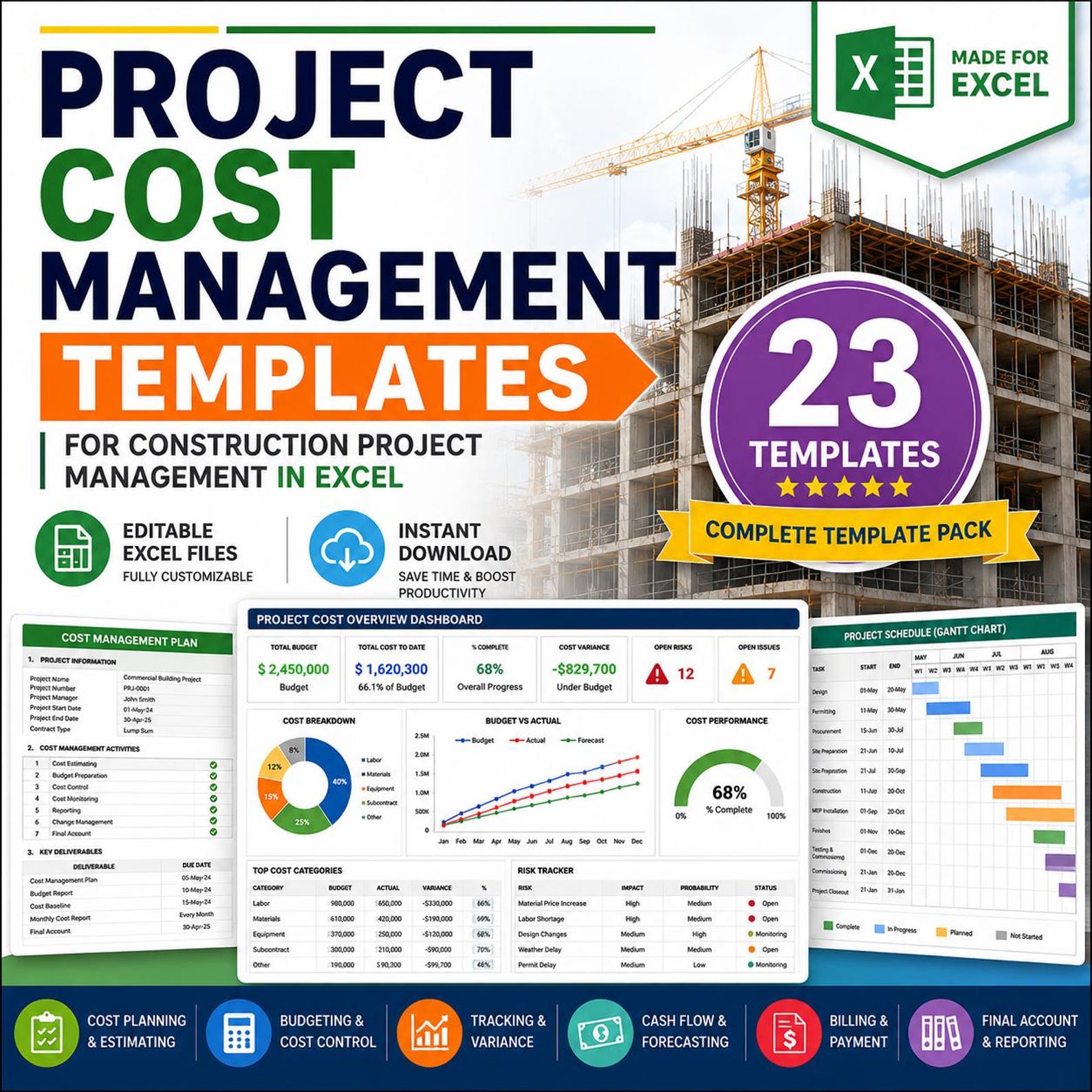
Everything You Need to Manage Construction Project Costs
This Excel template pack is designed for project managers, contractors, quantity surveyors, cost engineers, estimators, and project control teams.
Cost Planning
Create a clear cost management plan, define cost control rules, organize cost categories, and prepare your cost baseline.
Estimating & BOQ Costing
Prepare preliminary estimates, detailed construction estimates, quantity takeoff sheets, BOQ costing, and unit rate analysis.
Resource Cost Estimating
Estimate material, labor, equipment, and subcontractor costs with organized construction-focused templates.
Budget Control
Prepare construction budgets, monitor job costs, compare budget vs actual cost, and track cost variance.
Forecasting & Cost-to-Complete
Use cash flow forecast, forecast at completion, estimate at completion, and cost-to-complete trackers.
Billing & Final Account
Manage progress billing, payment certificates, contingency drawdown, and final account statements in Excel.
23 Professional Excel Templates Included
This pack covers the complete construction cost management cycle from early estimate to final account statement.
Cost Management Plan
Define the project cost management approach, responsibilities, control rules, and reporting method.
Preliminary Cost Estimate
Prepare early-stage construction cost estimates during concept, feasibility, or planning.
Detailed Construction Estimate
Create detailed estimates by activity, trade, resource, quantity, and rate.
Quantity Takeoff Sheet
Record construction quantities for materials, work packages, and BOQ items.
BOQ Costing Sheet
Prepare Bill of Quantities costing with item descriptions, units, quantities, rates, and totals.
Unit Rate Analysis Sheet
Analyze unit rates using material, labor, equipment, overhead, and profit components.
Material Cost Estimate
Estimate material cost by item, supplier, quantity, rate, delivery cost, and total value.
Labor Cost Estimate
Estimate labor hours, crew cost, productivity, daily rates, and total labor budget.
Equipment Cost Estimate
Estimate owned or rented equipment cost, usage hours, fuel, operators, and operating cost.
Subcontract Cost Comparison Sheet
Compare subcontractor quotations, scope, exclusions, rates, and recommended vendor selection.
Construction Budget Template
Create a project budget by category, work package, cost code, and approved baseline.
Cost Breakdown Structure
Organize project costs by phases, trades, cost accounts, work packages, or project areas.
Job Cost Sheet
Track actual job costs against project activities, cost codes, vendors, and resources.
Budget vs Actual Tracker
Compare approved budget, actual cost, variance, and remaining budget.
Cost Variance Report
Report cost variances, causes, impacts, corrective actions, and responsible owners.
Cash Flow Forecast
Forecast monthly cash inflow, outflow, billing, payments, and net project cash position.
Forecast at Completion Sheet
Estimate expected total project cost at completion based on cost performance and trends.
Estimate at Completion Tracker
Track EAC values, revised forecasts, cost trends, and expected final project cost.
Cost-to-Complete Tracker
Monitor remaining cost required to complete open scope and unfinished work.
Contingency Drawdown Log
Track contingency usage, approved drawdowns, remaining balance, and reason for use.
Progress Billing Tracker
Track progress claims, billed amount, approved amount, retention, deductions, and status.
Payment Certificate Tracker
Manage payment certificates, certified values, approvals, deductions, and payment status.
Final Account Statement
Prepare final account summary with contract value, variations, payments, deductions, and final balance.
Stop Running Construction Cost Control with Scattered Files
When estimates are in one file, BOQ is in another file, actual cost is tracked manually, billing is handled separately, and final accounts are prepared at the end, cost control becomes slow and risky.
This Excel template pack gives your team a clear system to estimate, budget, track, forecast, bill, certify, and close construction project costs with better visibility.
- Save hours of manual Excel setup
- Improve project cost visibility
- Track budget vs actual cost
- Control cost variance and overruns
- Manage cash flow and forecasting
- Prepare progress billing and payment certificates
- Close projects with final account statements
Use the Template Pack in 4 Easy Steps
Open the Excel files, enter your project information, update cost records, and use the templates for construction cost reporting and control.
Enter Data
Add project name, cost codes, quantities, rates, resources, subcontractors, and approved budget.
Prepare Estimates
Use estimate, quantity takeoff, BOQ costing, unit rate, and resource cost templates.
Track Cost Performance
Monitor actual cost, budget variance, cash flow, EAC, FAC, and cost-to-complete.
Bill and Close
Manage progress billing, payment certificates, contingency drawdown, and final account statement.
Picture Links for All 23 Templates
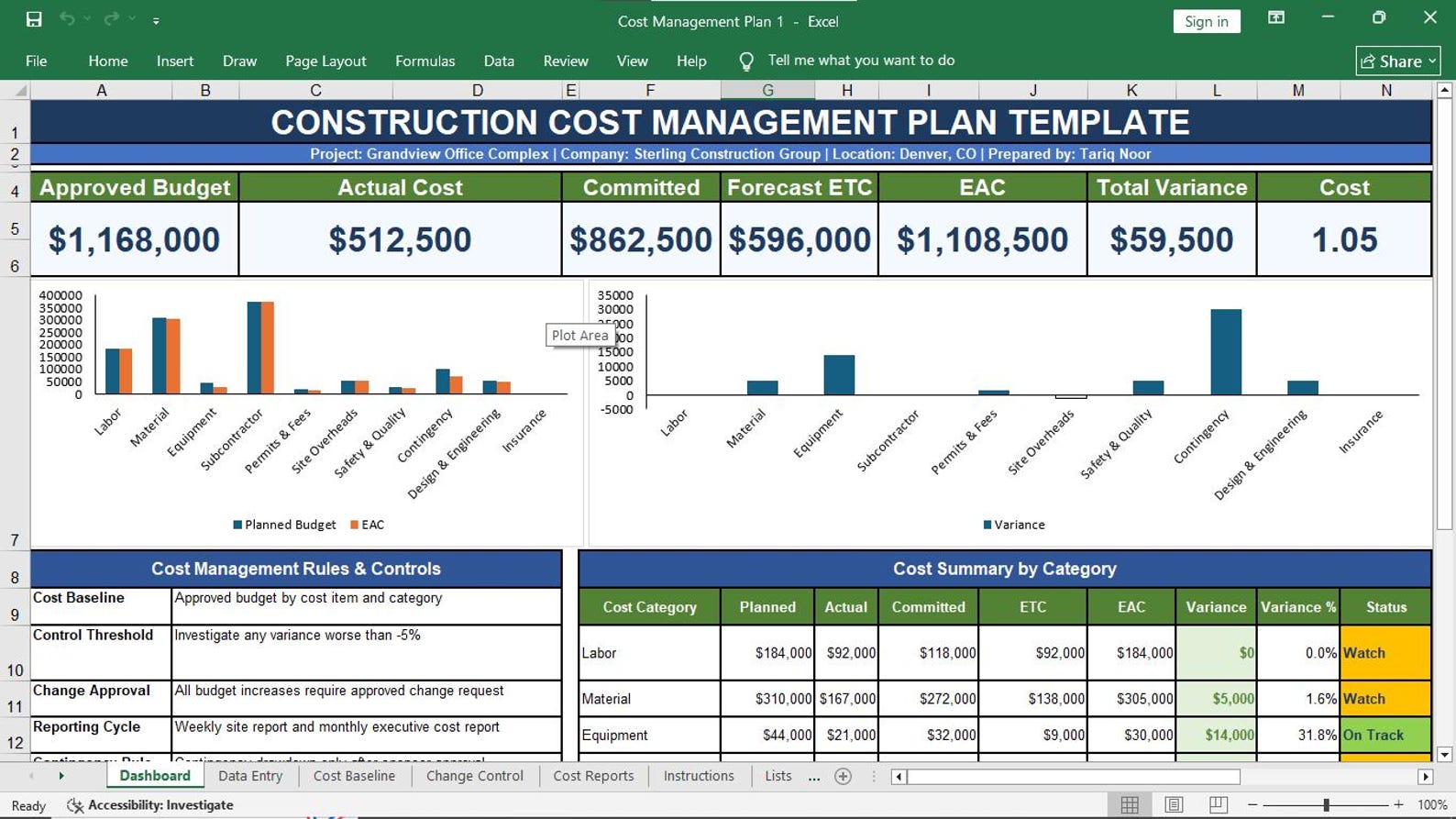
01. Cost Management Plan
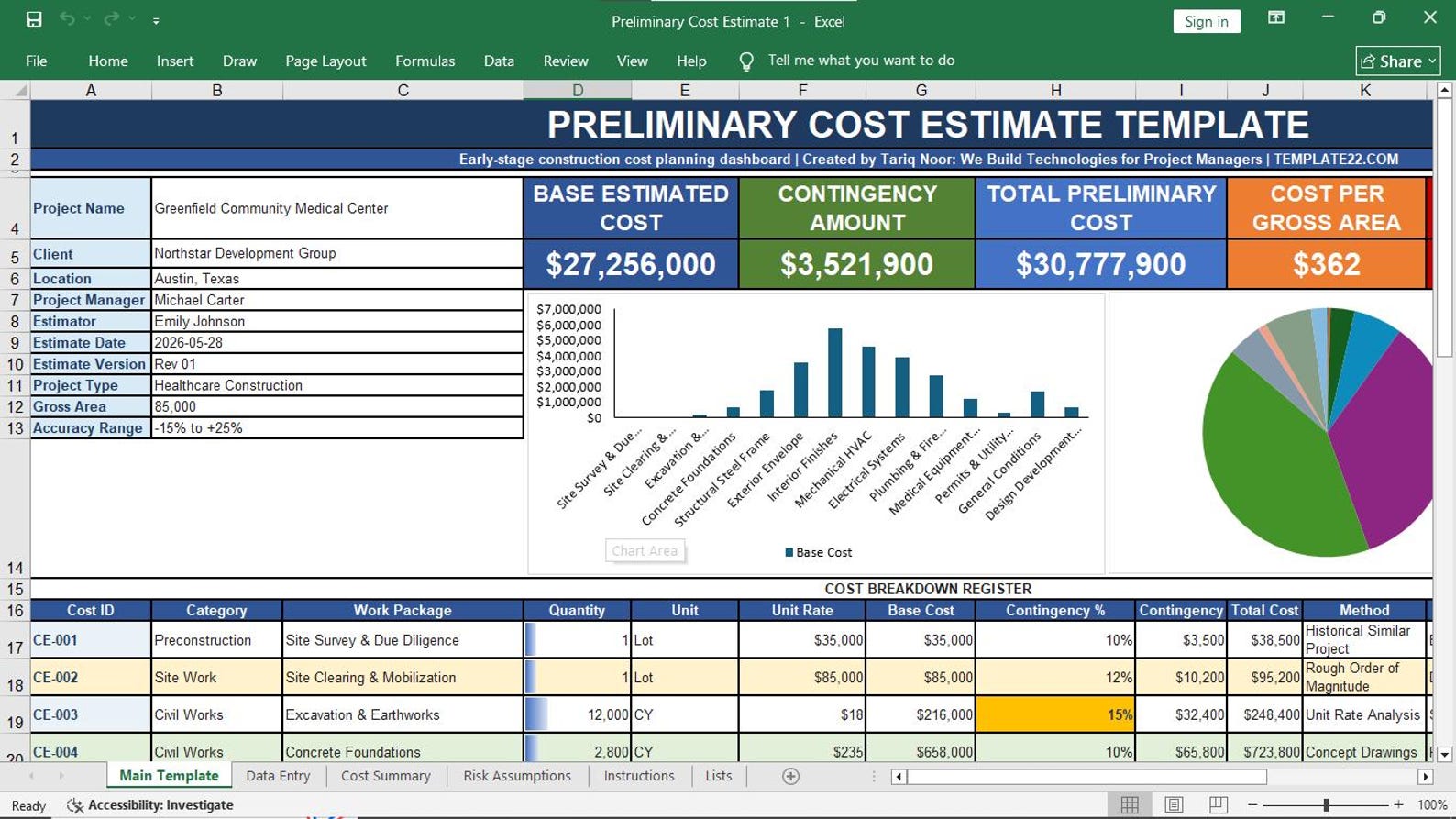
02. Preliminary Cost Estimate
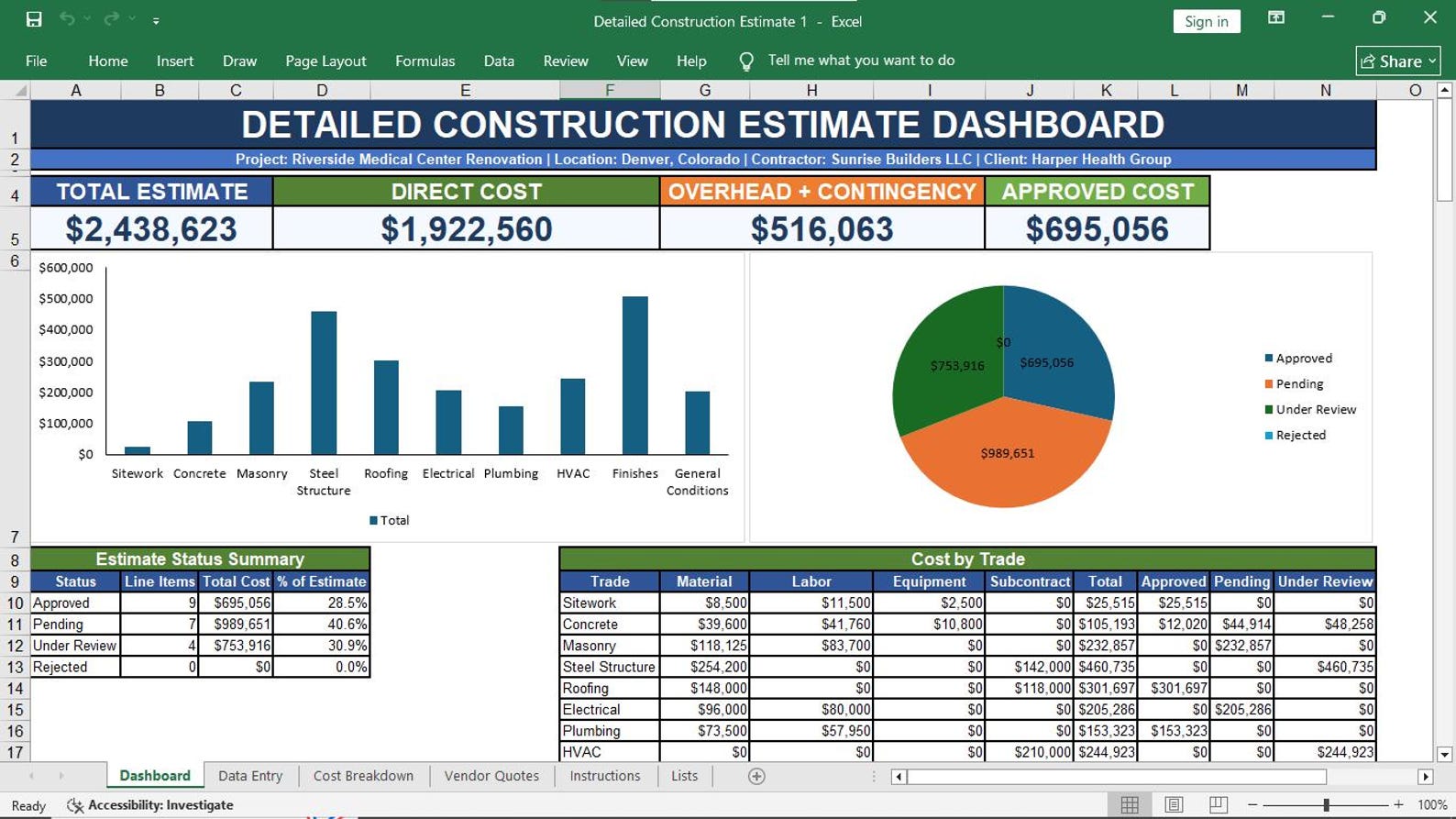
03. Detailed Construction Estimate
04. Quantity Takeoff Sheet
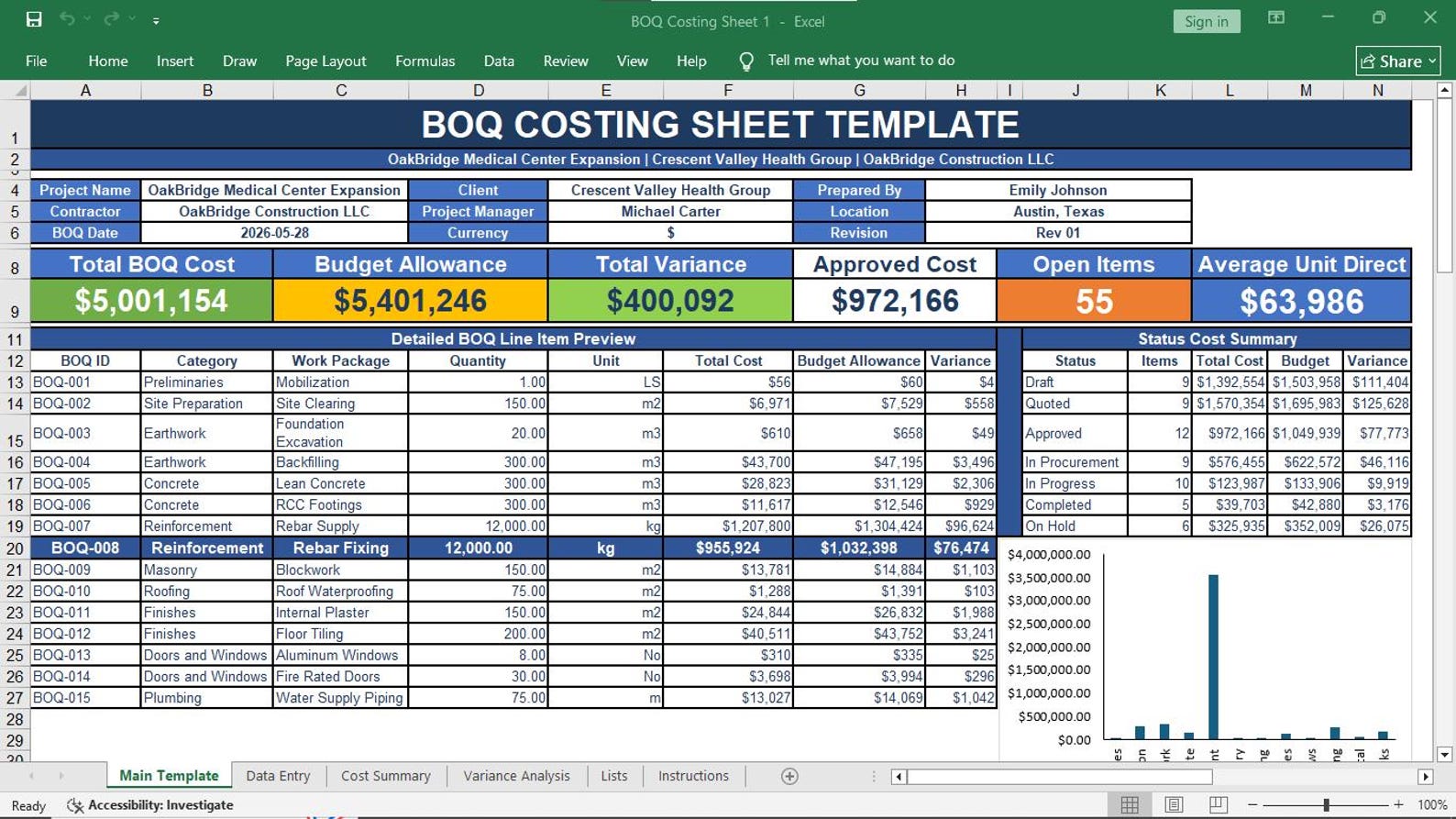
05. BOQ Costing Sheet
06. Unit Rate Analysis Sheet
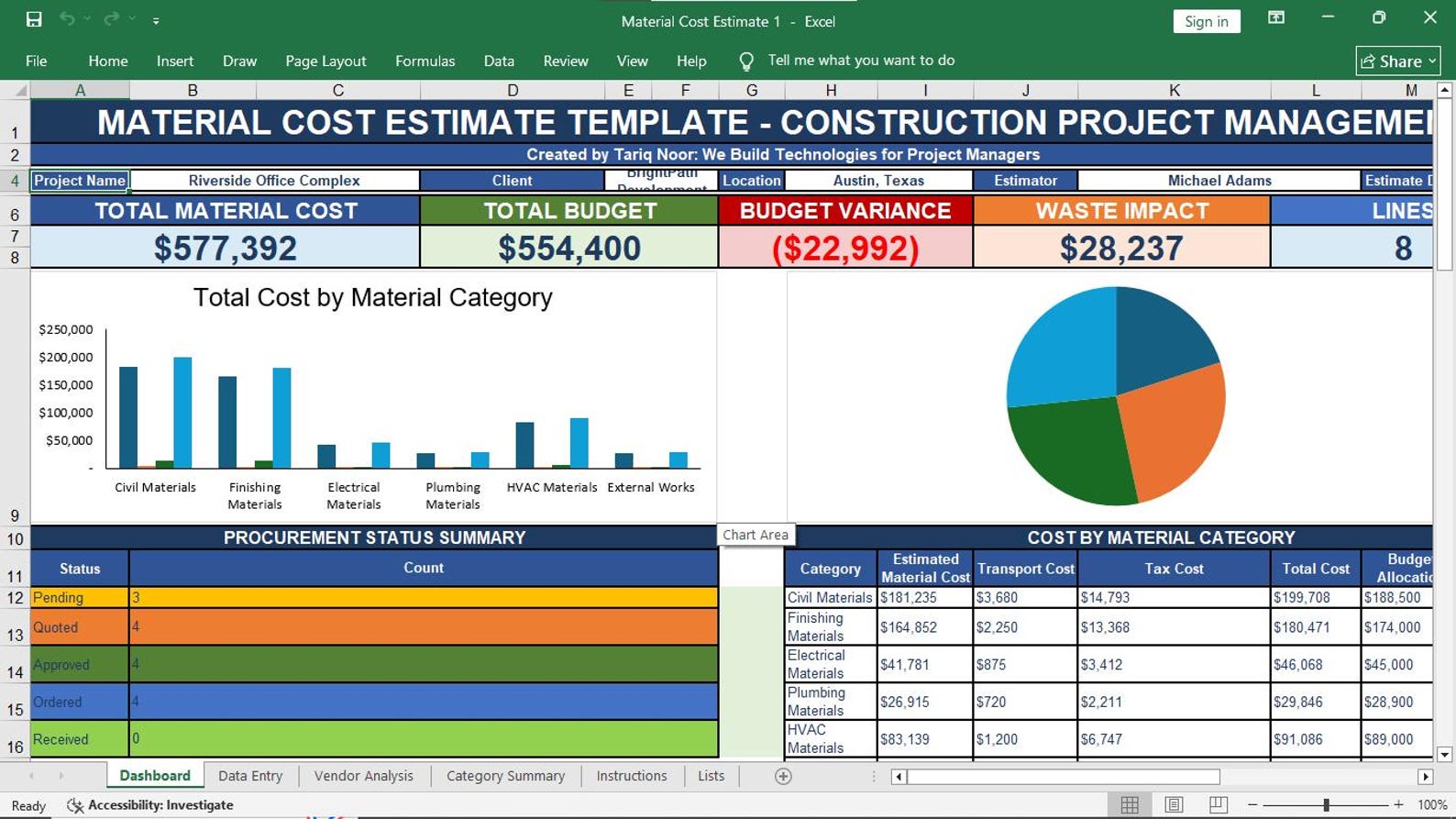
07. Material Cost Estimate
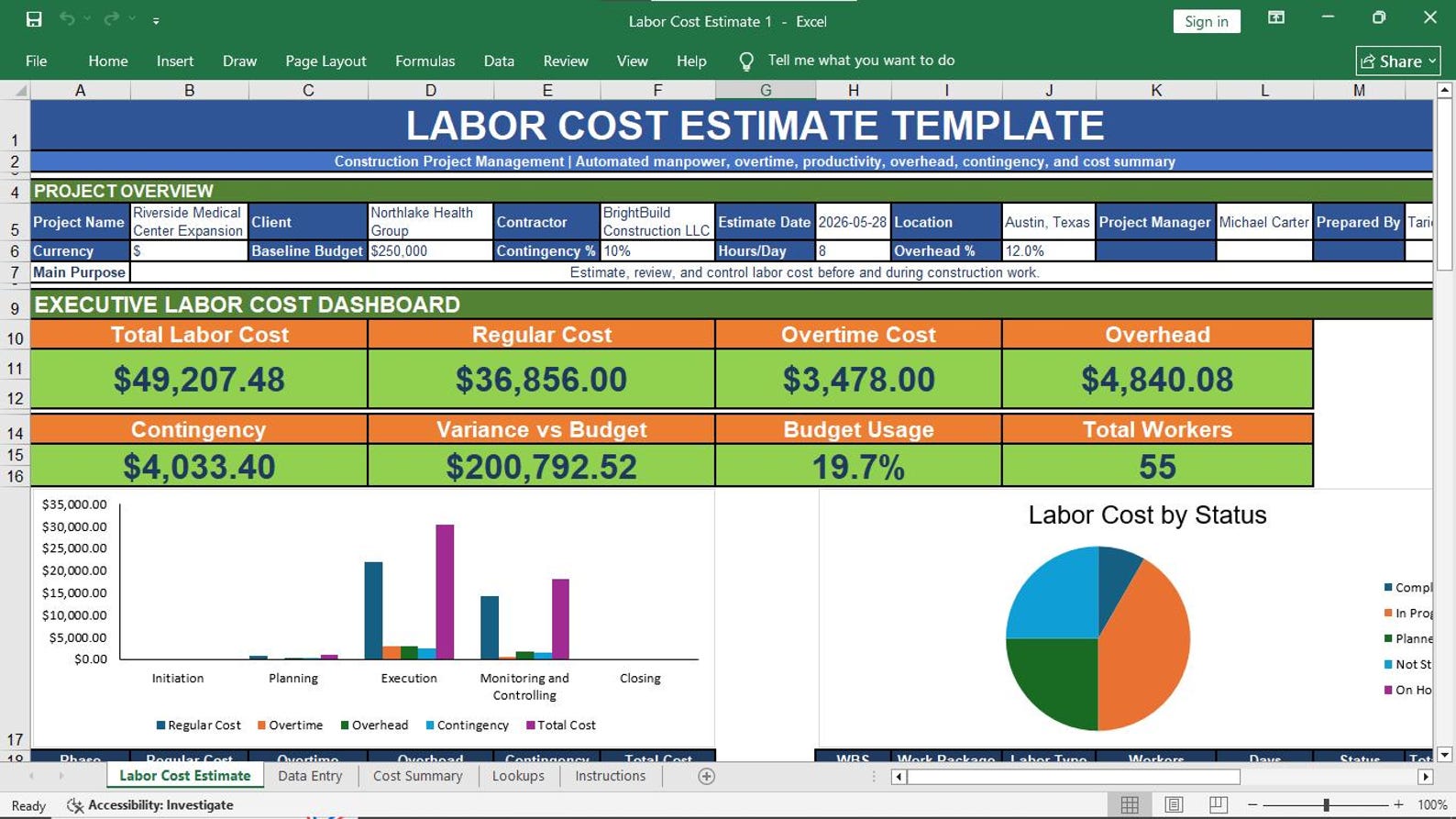
08. Labor Cost Estimate
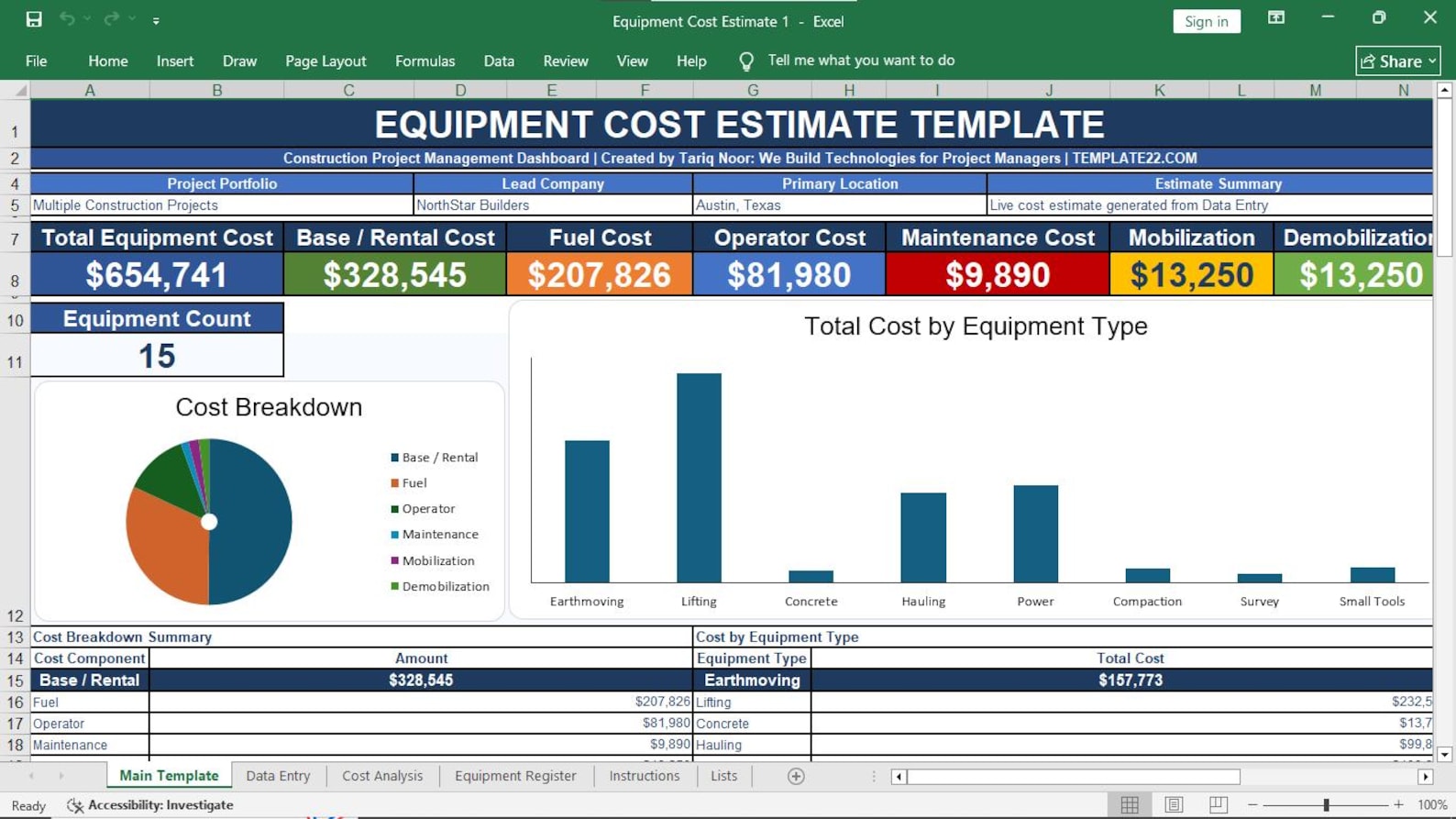
09. Equipment Cost Estimate
10. Subcontract Cost Comparison Sheet
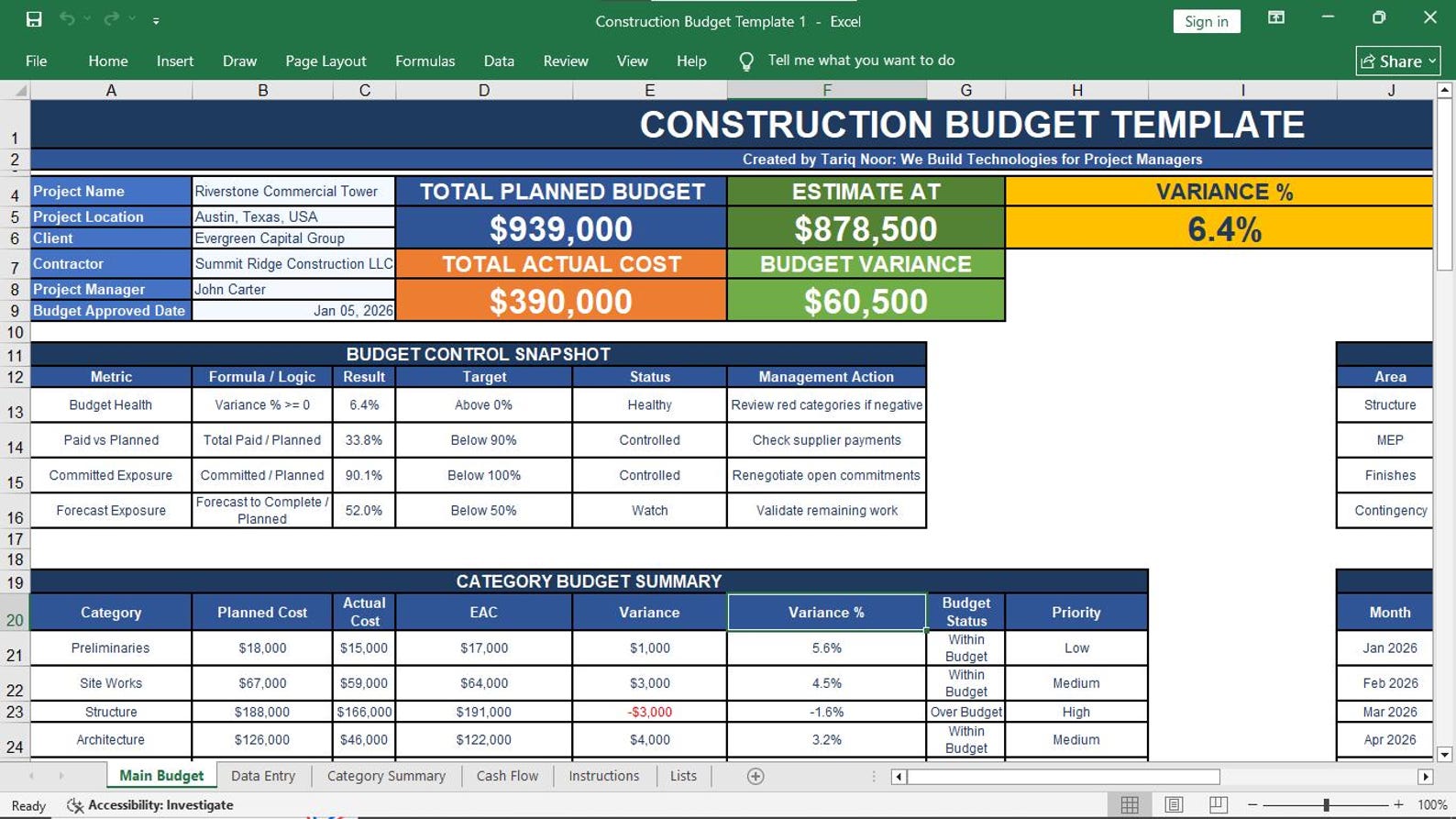
11. Construction Budget Template
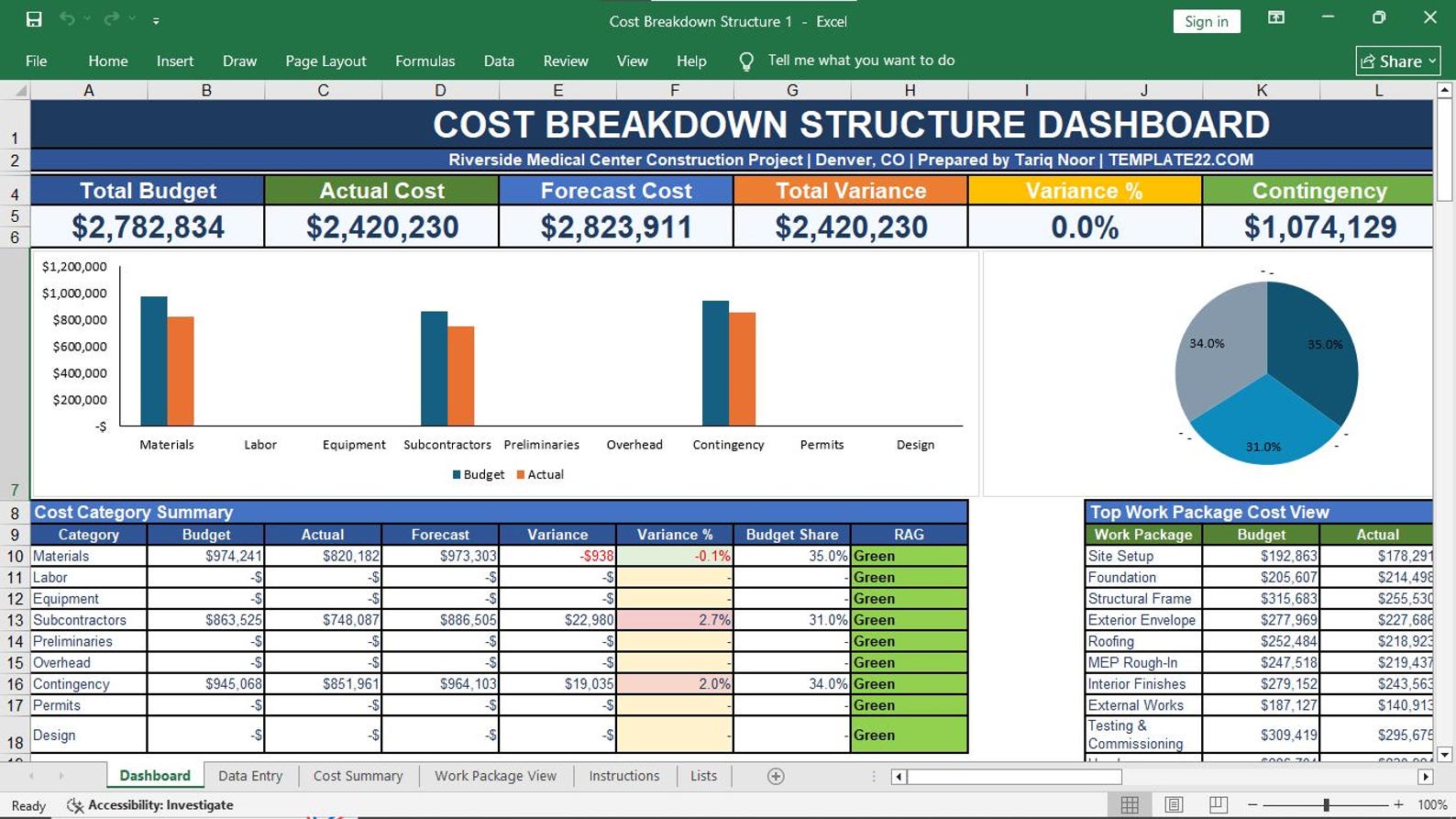
12. Cost Breakdown Structure
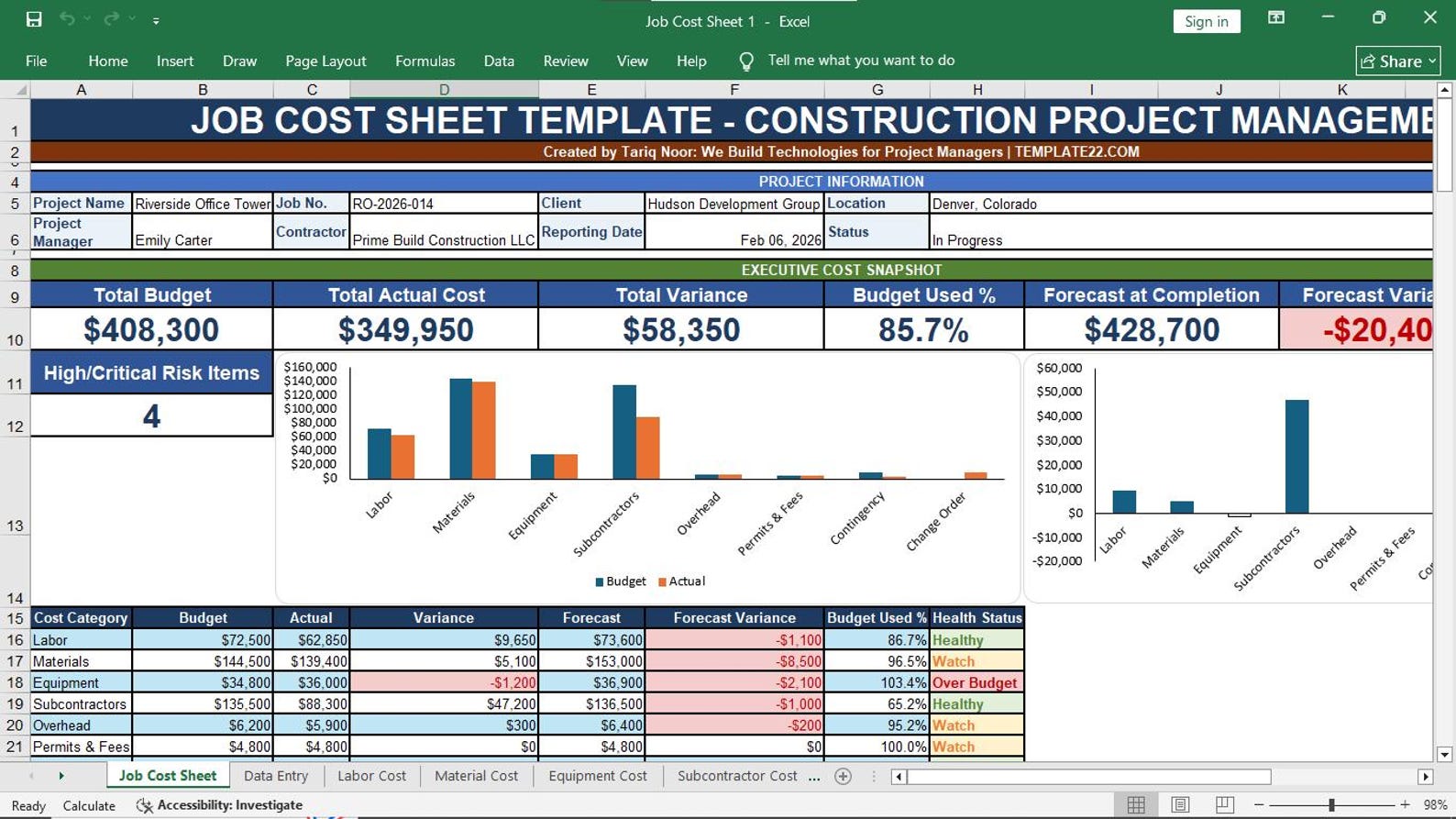
13. Job Cost Sheet
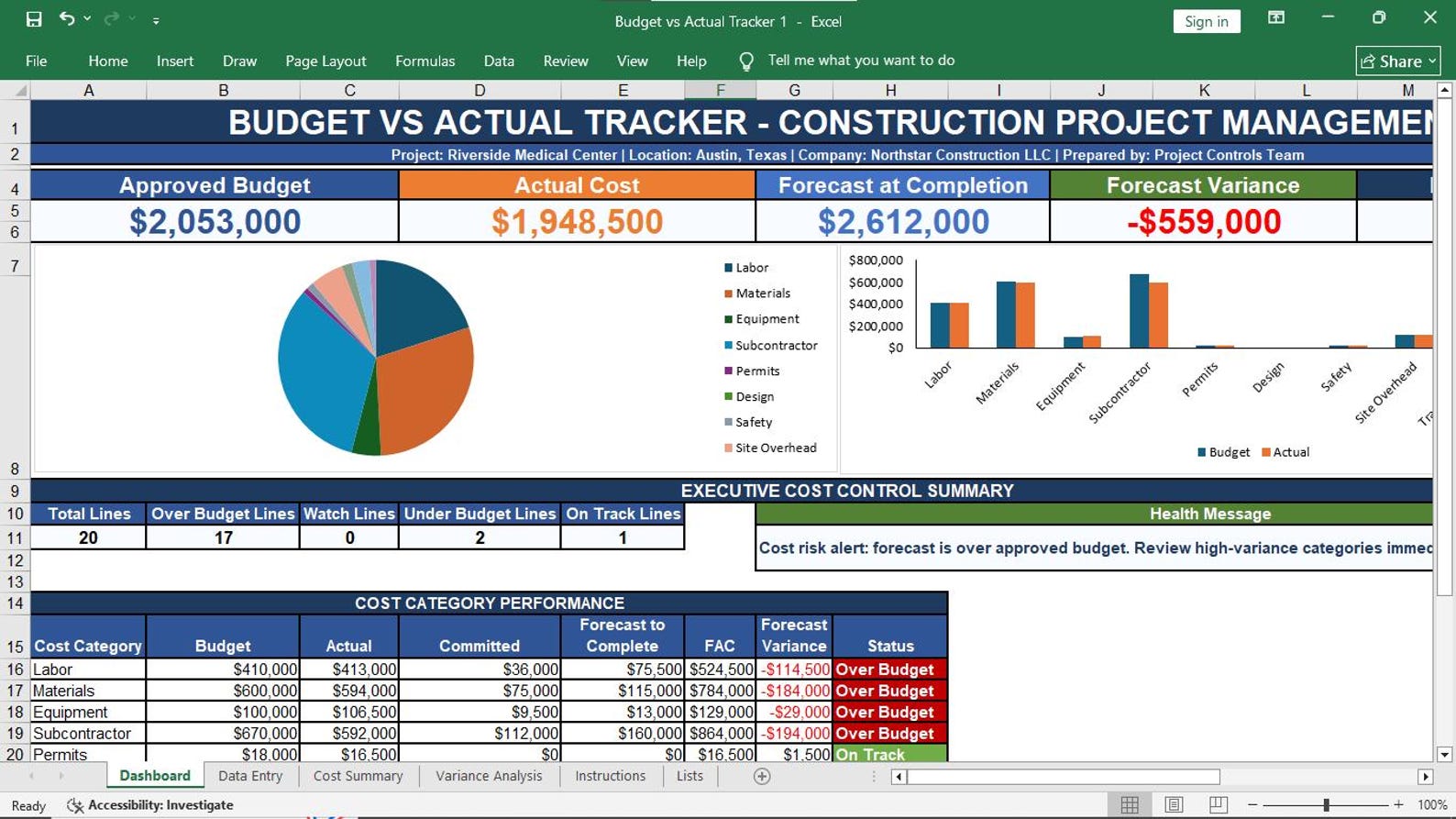
14. Budget vs Actual Tracker
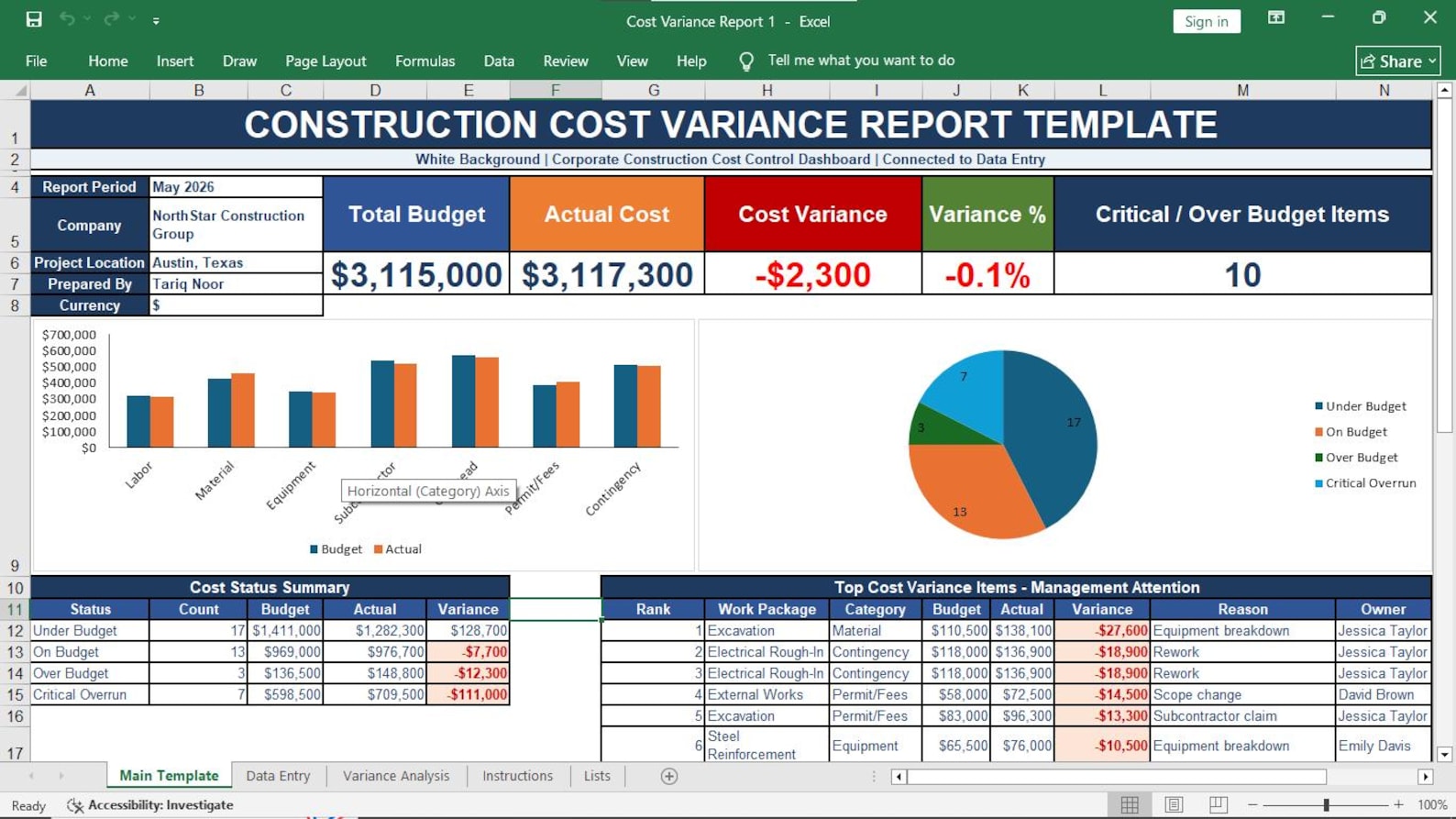
15. Cost Variance Report
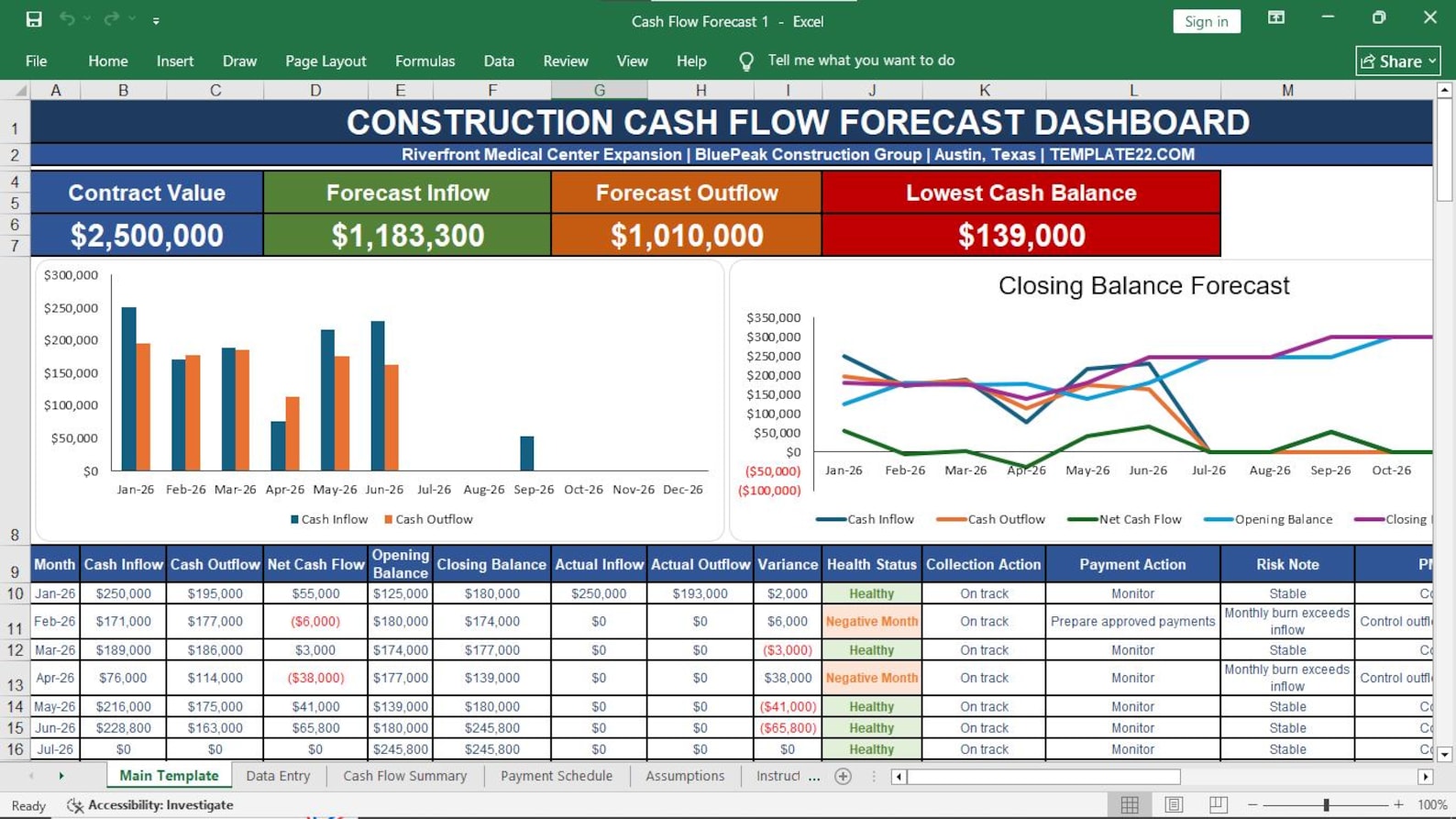
16. Cash Flow
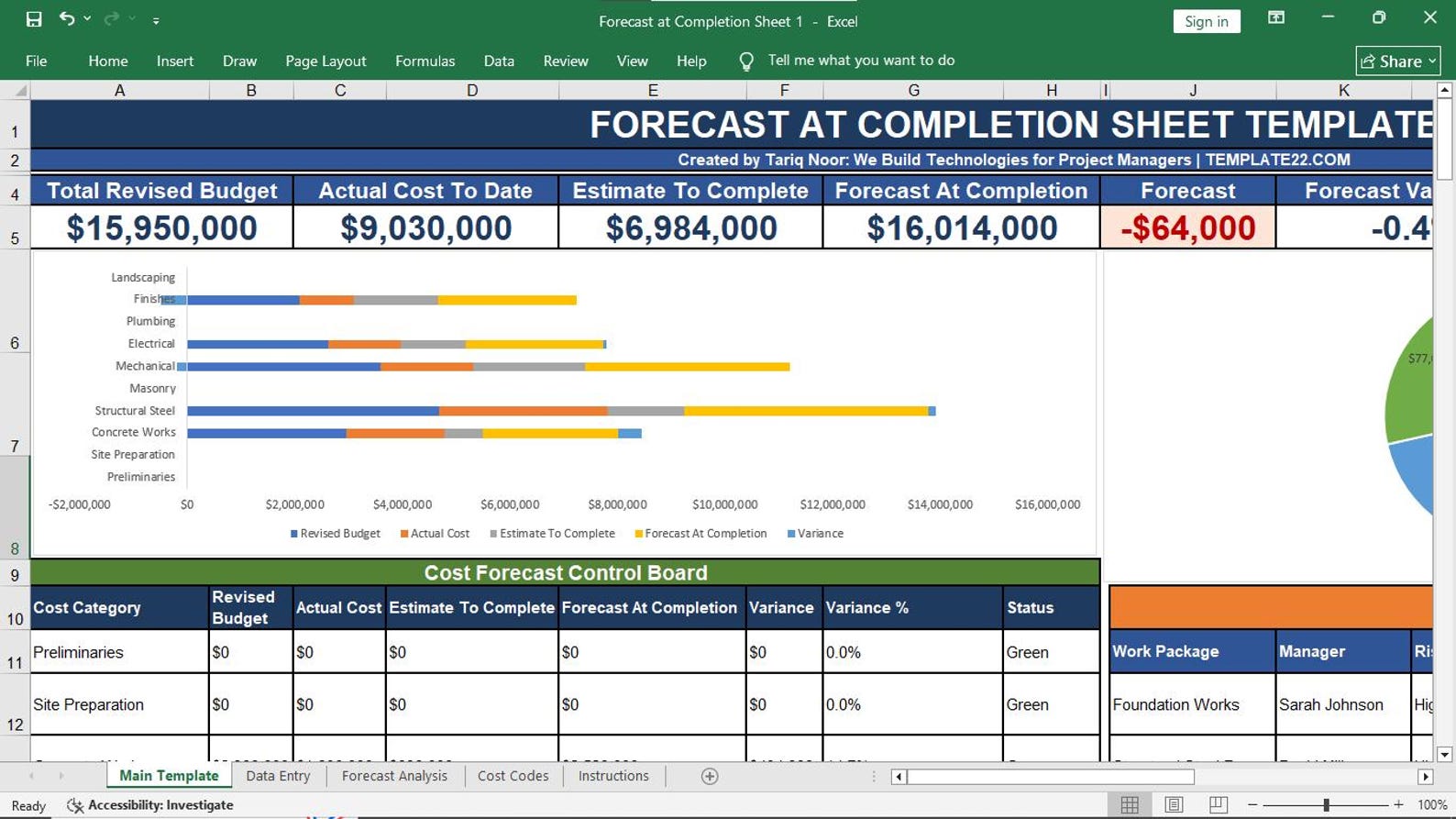
17. Forecast at Completion Sheet
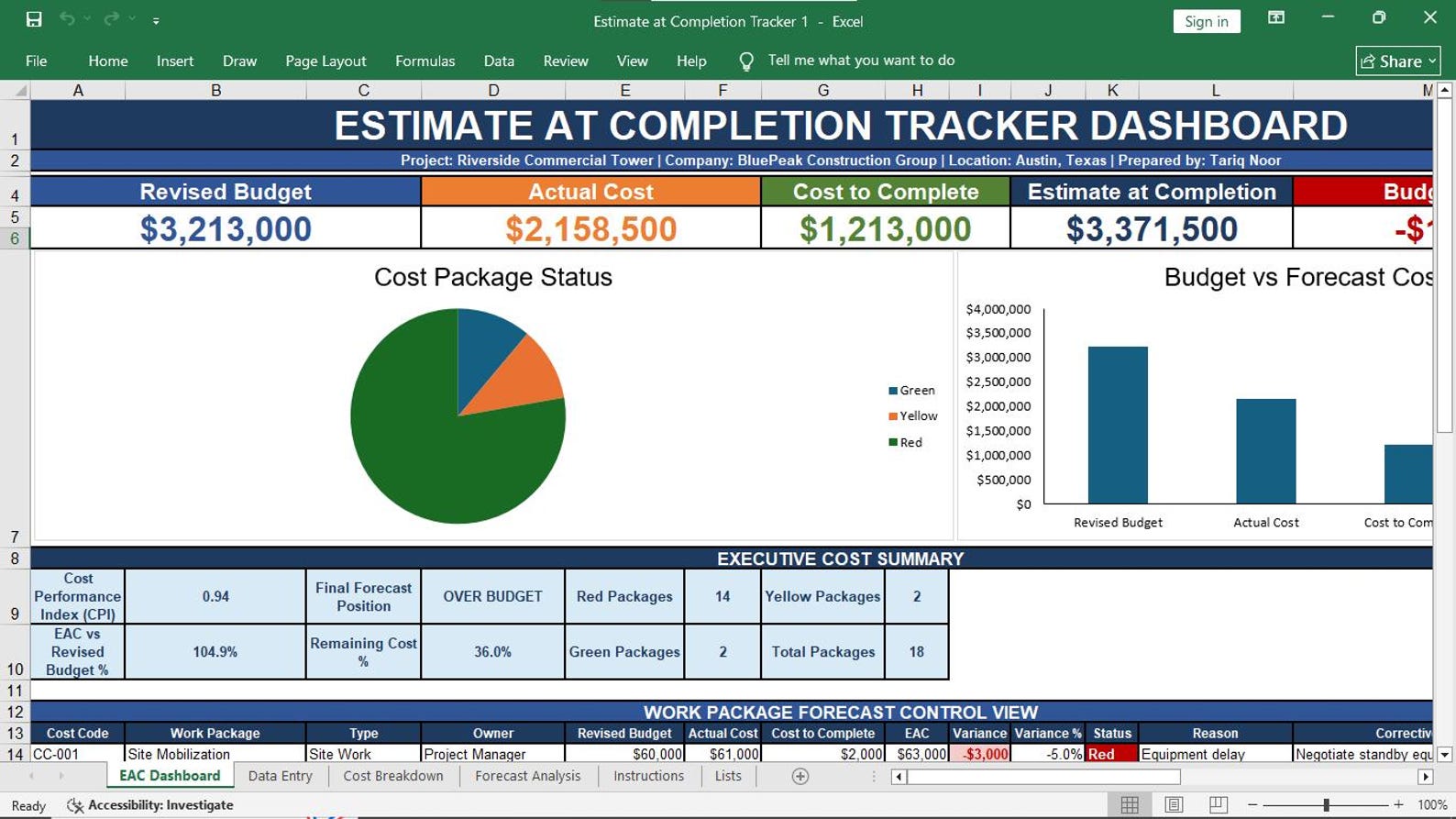
18. Estimate at Completion Tracker
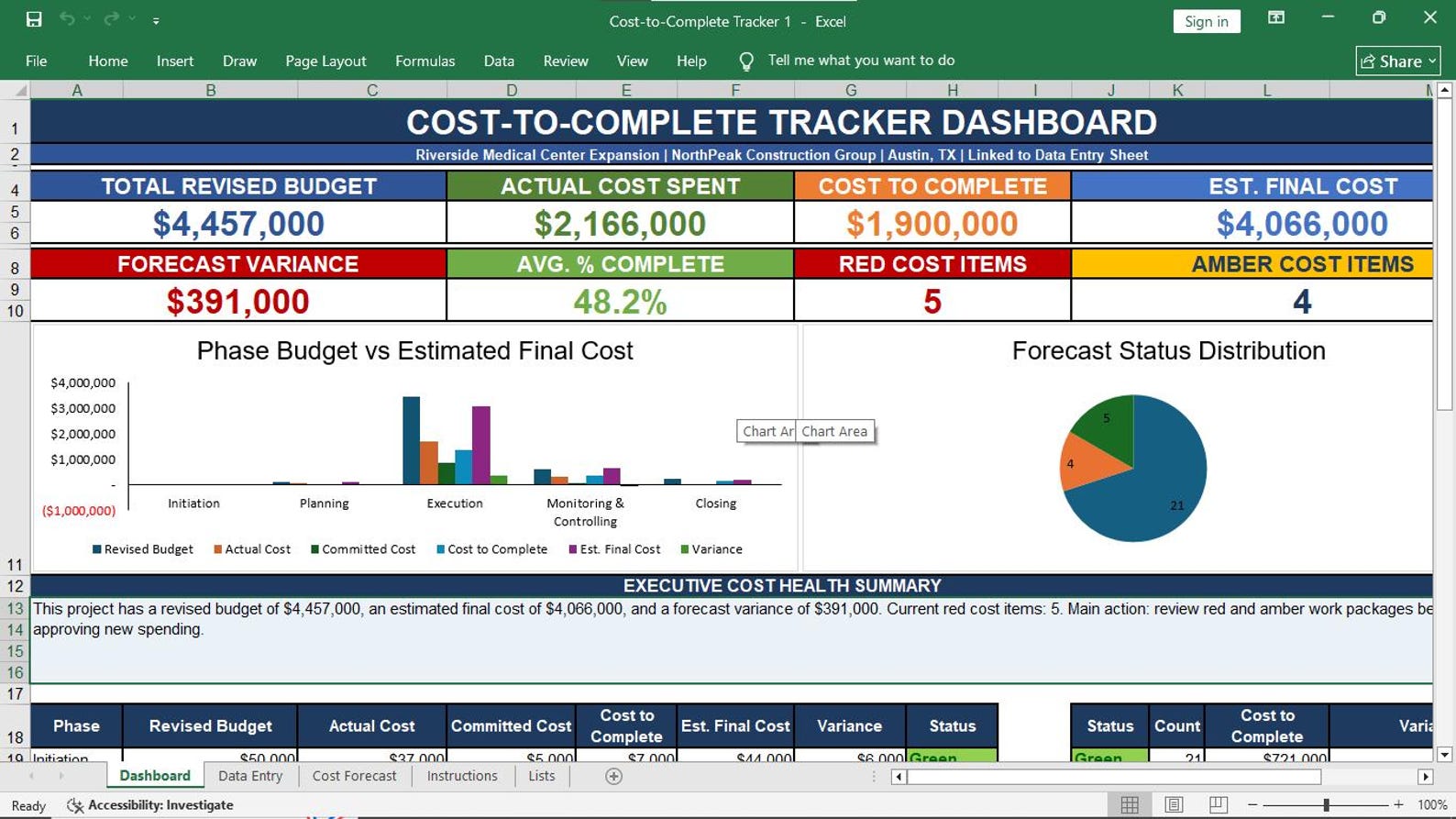
19. Cost-to-Complete Tracker
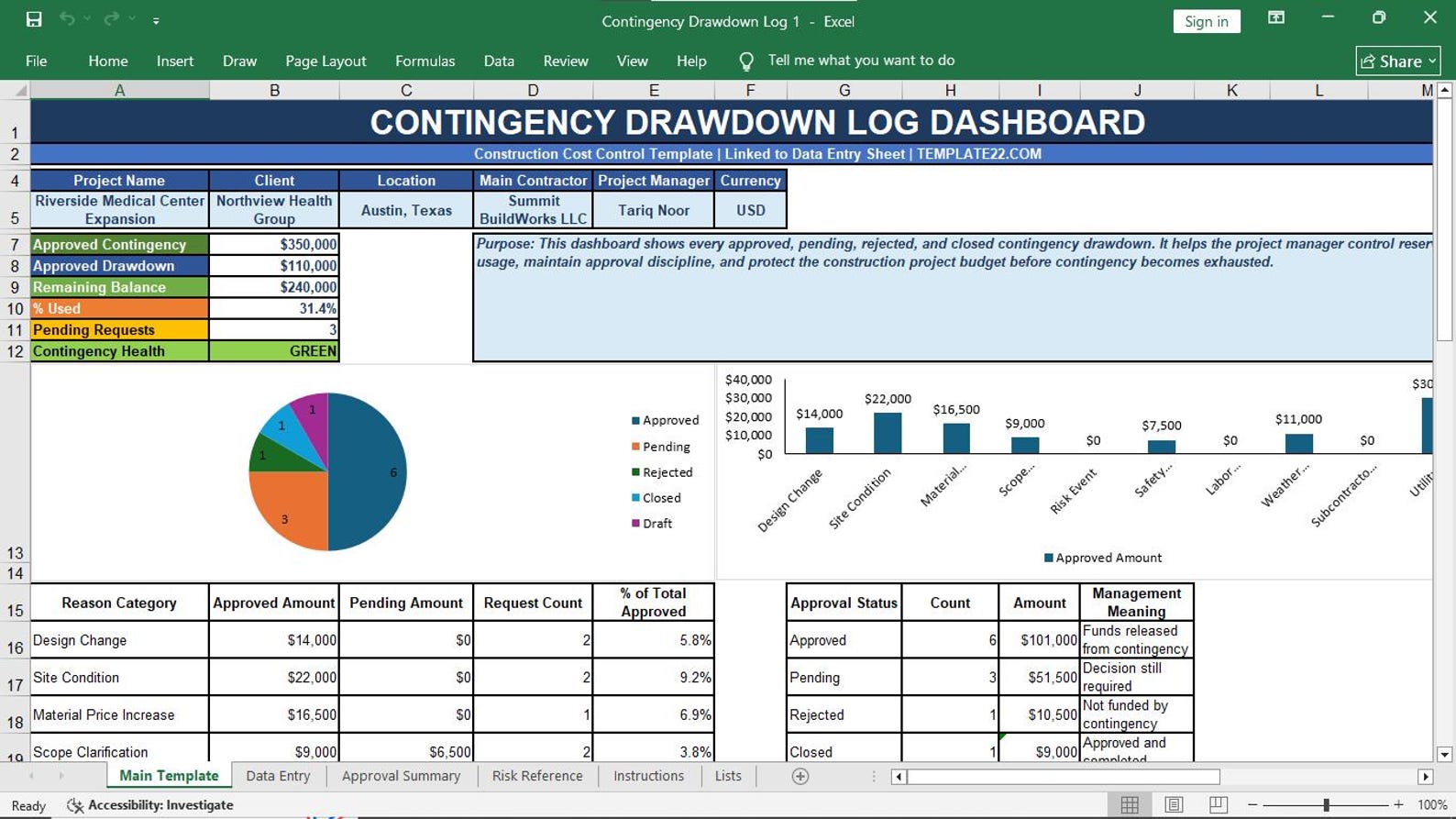
20. Contingency Drawdown Log
21. Progress Billing Tracker
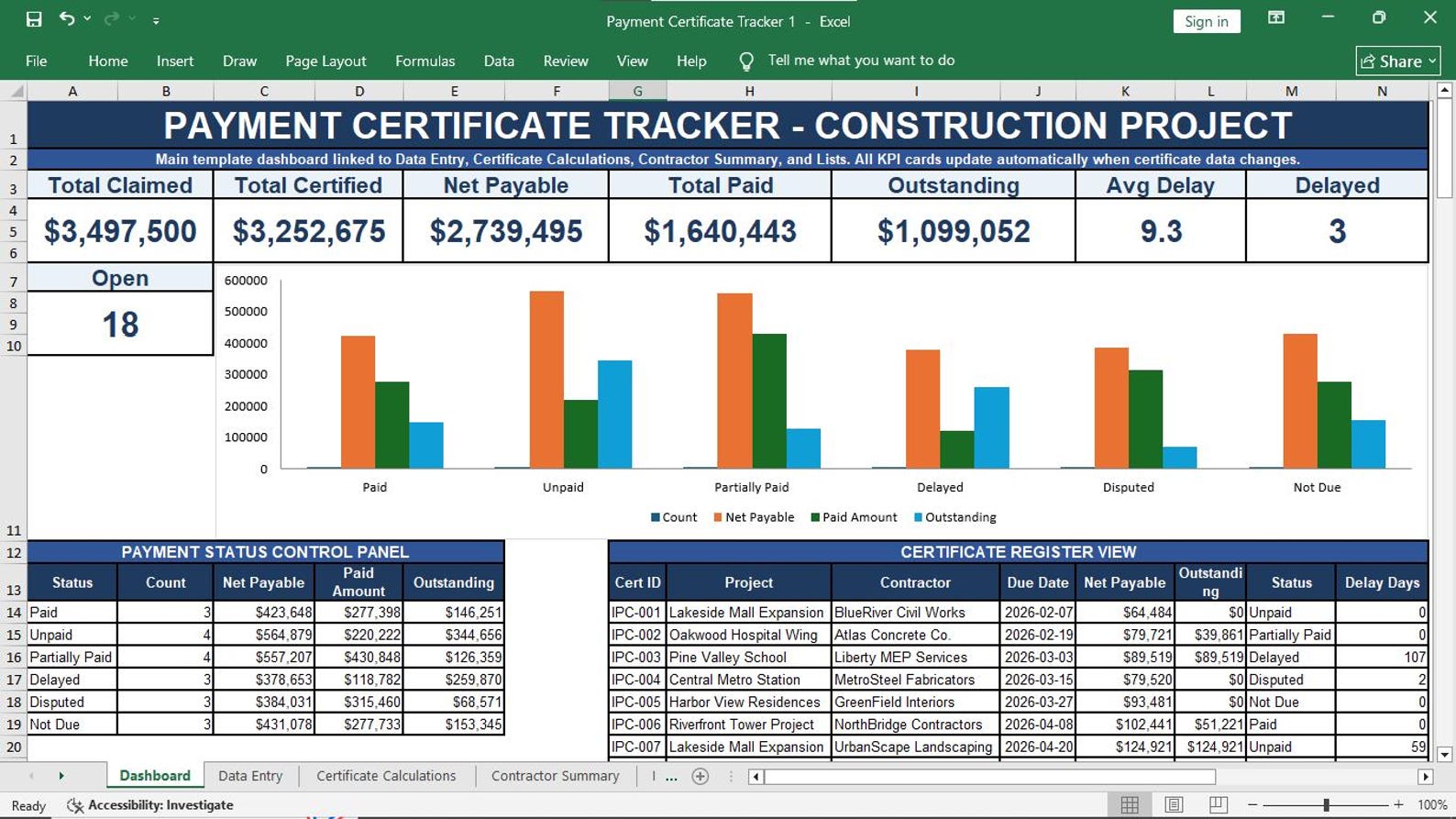
22. Payment Certificate Tracker
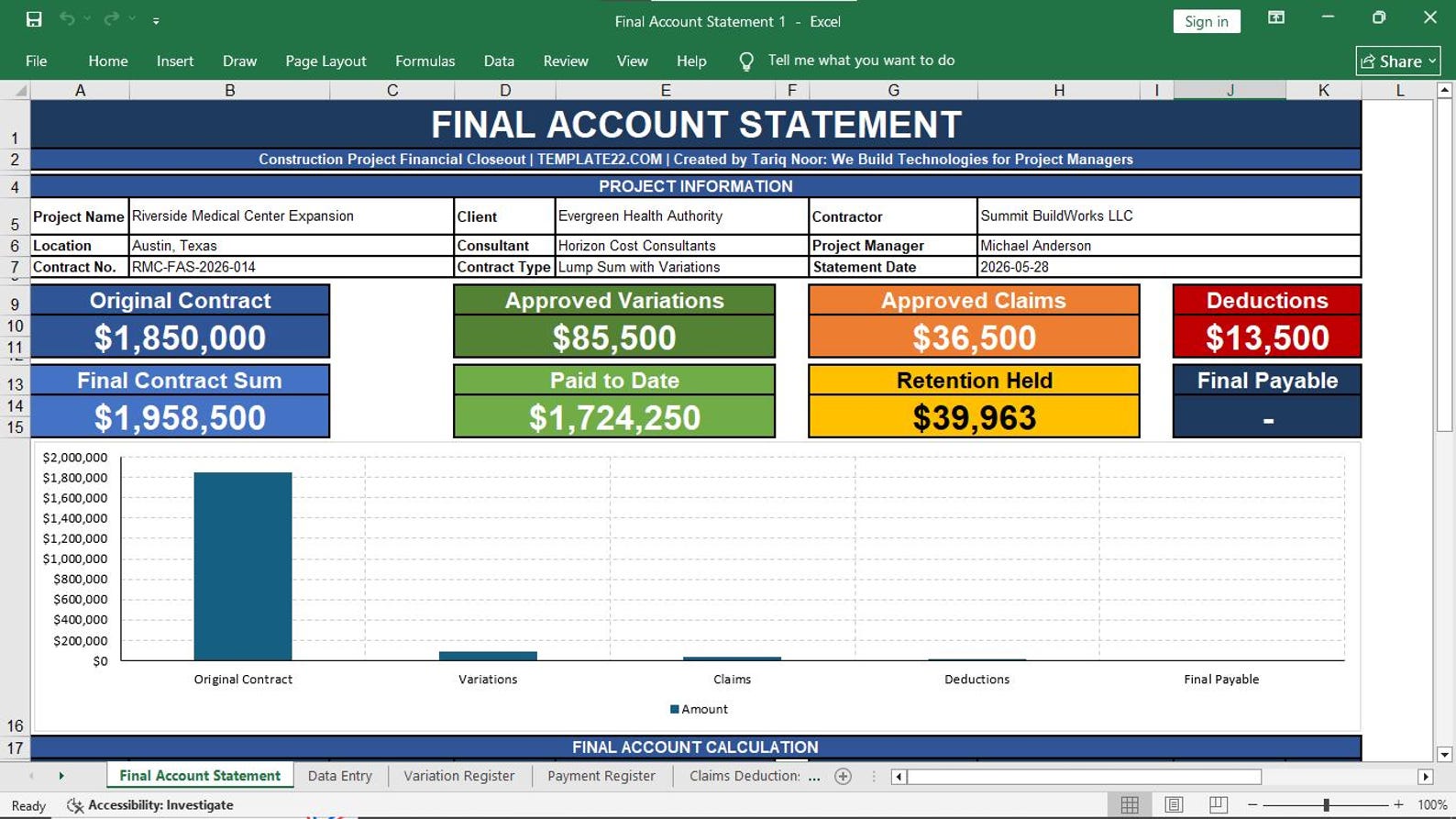
23. Final Account Statement
Who Should Use This Template Pack?
This template pack is made for professionals who want a practical, affordable, and editable Excel-based construction cost management system.
Construction Project Managers
Manage estimates, budgets, actual cost, forecasting, billing, and final account reporting in one organized system.
Quantity Surveyors
Prepare quantity takeoff, BOQ costing, unit rate analysis, payment certificates, and final account statements.
Cost Engineers
Track cost breakdown, estimate at completion, cost-to-complete, cost variance, and contingency drawdown.
Contractors & Builders
Control project budgets, compare subcontractor costs, track job costs, and improve construction cost reporting.
Estimators
Create preliminary estimates, detailed estimates, material estimates, labor estimates, and equipment estimates.
Project Control Teams
Use budget vs actual, cost variance, cash flow forecast, EAC, FAC, and billing trackers for better reporting.
Project Cost Management Templates in Excel
Get a ready-to-use, colorful, professional, editable, and construction-focused Excel template pack for cost planning, estimating, budgeting, tracking, billing, and final account reporting.
23 Construction Cost Management Templates
This pack helps you organize the complete construction cost management process inside Excel. Use it for estimates, BOQ costing, unit rate analysis, budget tracking, variance reporting, cash flow forecasting, progress billing, payment certificates, and final account statements.
- 23 editable Excel templates
- Construction project cost management focused
- Useful for contractors, QS, cost engineers, estimators, and project managers
- No monthly subscription required
- Instant digital download
- Professional format for business and project reporting
One-time payment. Download and use immediately.
Buy This Excel Template PackFrequently Asked Questions
Simple answers before you buy the Project Cost Management Templates in Excel.
Is this template pack editable?
Yes. The Excel templates are editable. You can change text, rows, columns, formulas, colors, project names, company details, and cost categories according to your needs.
Do I need special software?
No. You only need Microsoft Excel. You do not need ERP software, cloud software, or monthly subscription tools.
Can I use this for construction projects?
Yes. This template pack is specifically created for construction project cost management, including estimates, BOQ costing, budget control, progress billing, payment certificates, and final accounts.
Who is this template pack made for?
It is made for construction project managers, contractors, quantity surveyors, cost engineers, estimators, site engineers, builders, consultants, and project control teams.
Can I add more rows and cost items?
Yes. You can add more cost items, work packages, vendors, subcontractors, quantities, budget lines, payment records, and final account details as needed.
Is this a physical product?
No. This is a digital Excel template product. No physical item will be shipped.
