See Your Whole Project in One Powerful Excel Dashboard
Track progress, tasks, milestones, budget, resources, risks, issues, and KPIs without building reports from scratch.
- Professional project dashboard for reporting
- Editable Excel workbook with multiple useful sheets
- Designed for project managers, PMO teams, and consultants
- Simple data entry with structured project tracking
Most Project Problems Start Small
A delayed task. A missed milestone. A budget overrun. An overloaded resource. One open risk that nobody follows.
This template helps you bring all critical project information into one clear Excel reporting system.
- Know which tasks are delayed
- See project cost variance clearly
- Track milestone health and slip days
- Monitor resource overload
- Keep risks and issues visible
Built for Practical Project Control
Use this workbook when you need clear project reporting without complicated software.
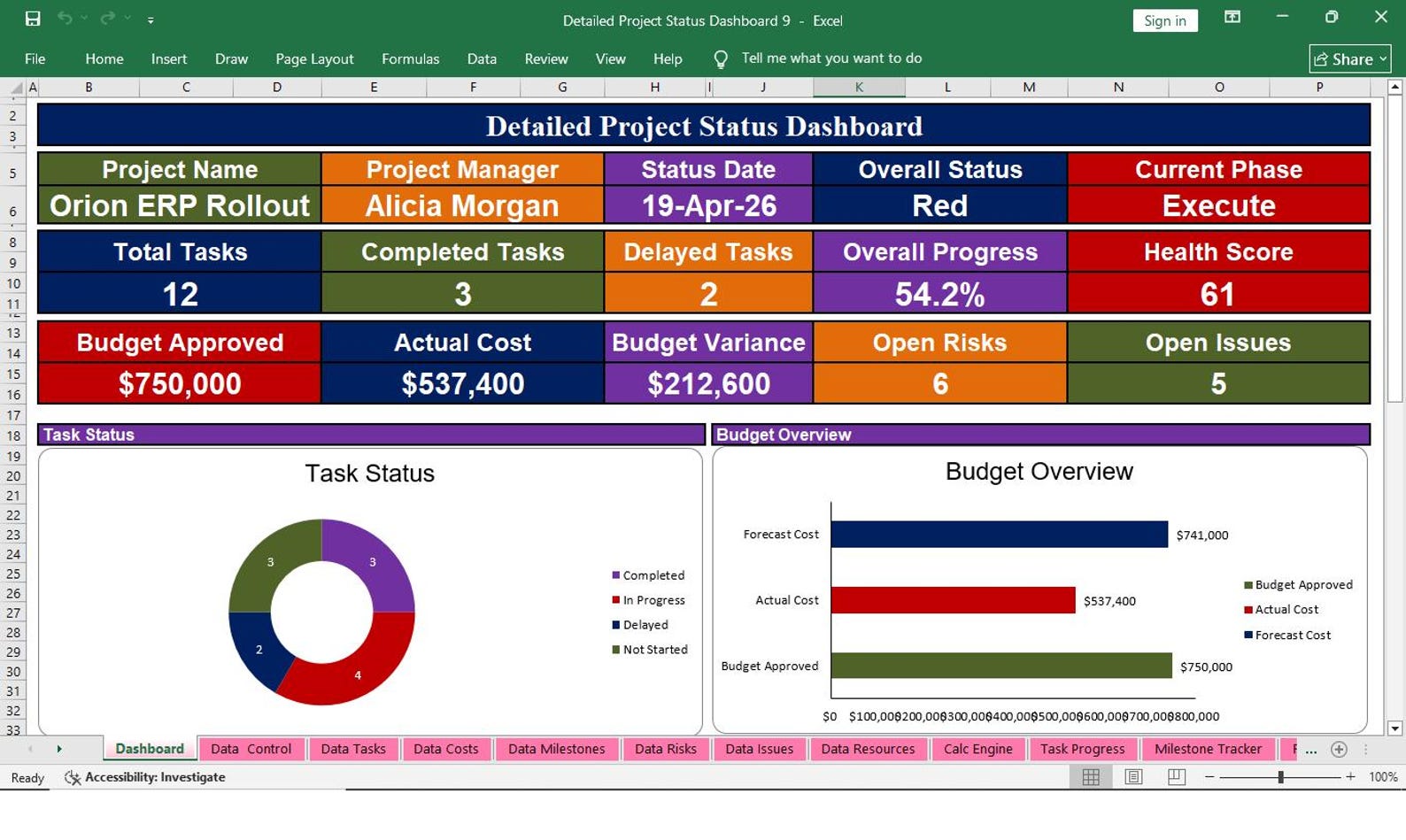
Executive Dashboard
Show project status, progress, cost, schedule, risks, and key comments in one visual place.
Task & Milestone Tracking
Track owners, dates, status, priority, delays, and milestone health with structured fields.
Budget Control
Compare budget, actual cost, committed cost, variance, and forecast at completion.
Resource Planning
Monitor capacity, allocation, utilization, overload status, and recommended action.
Risk & Issue Log
Record risks, issues, severity, probability, exposure score, mitigation, and due dates.
Better Reporting
Create cleaner updates for clients, managers, stakeholders, and project review meetings.
See What You Will Get Inside This Excel Template
Replace these dummy image links with your real product screenshots.
Project Dashboard
Main dashboard for project status and KPIs.
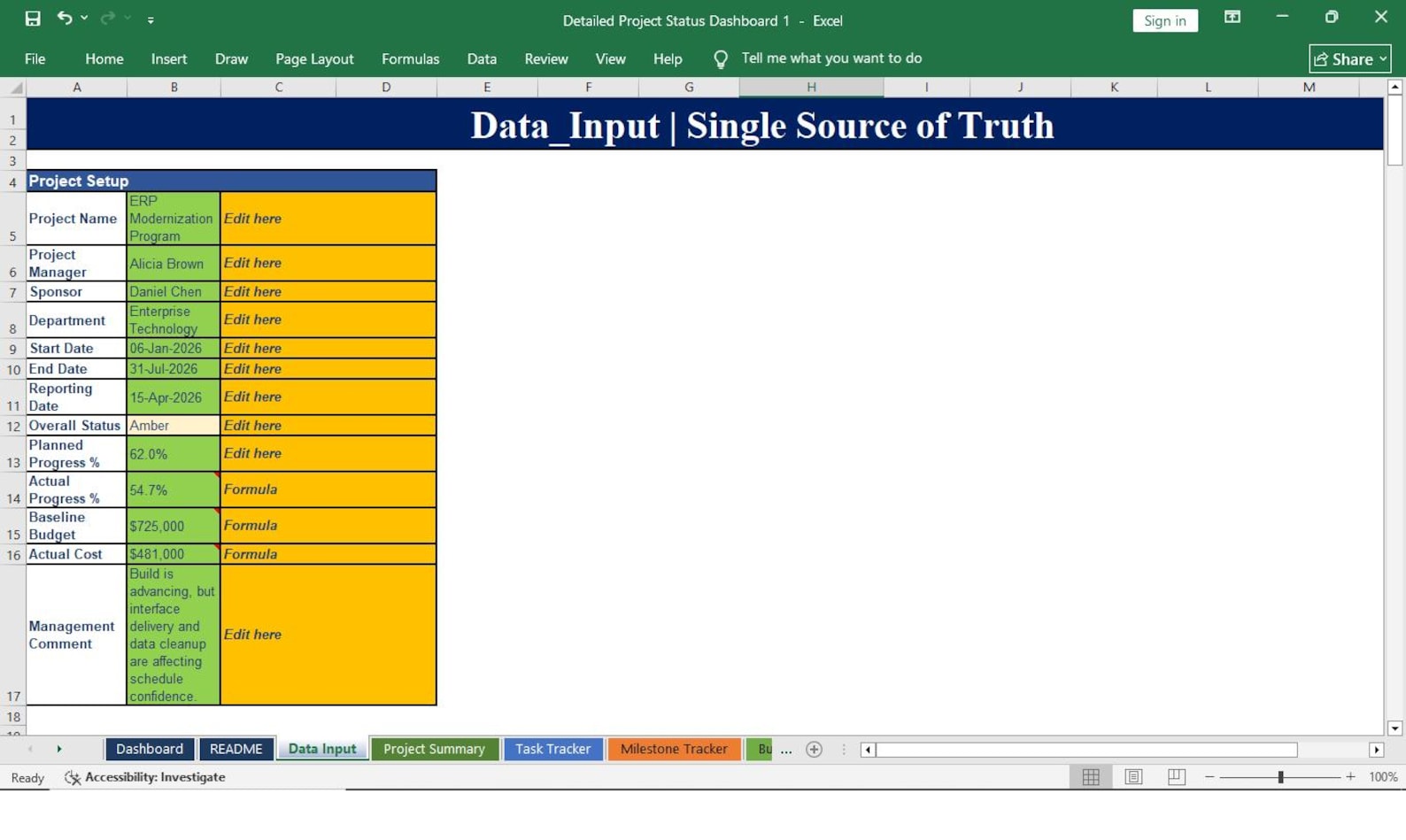
Data Input Sheet
Enter project data in a clean structured format.
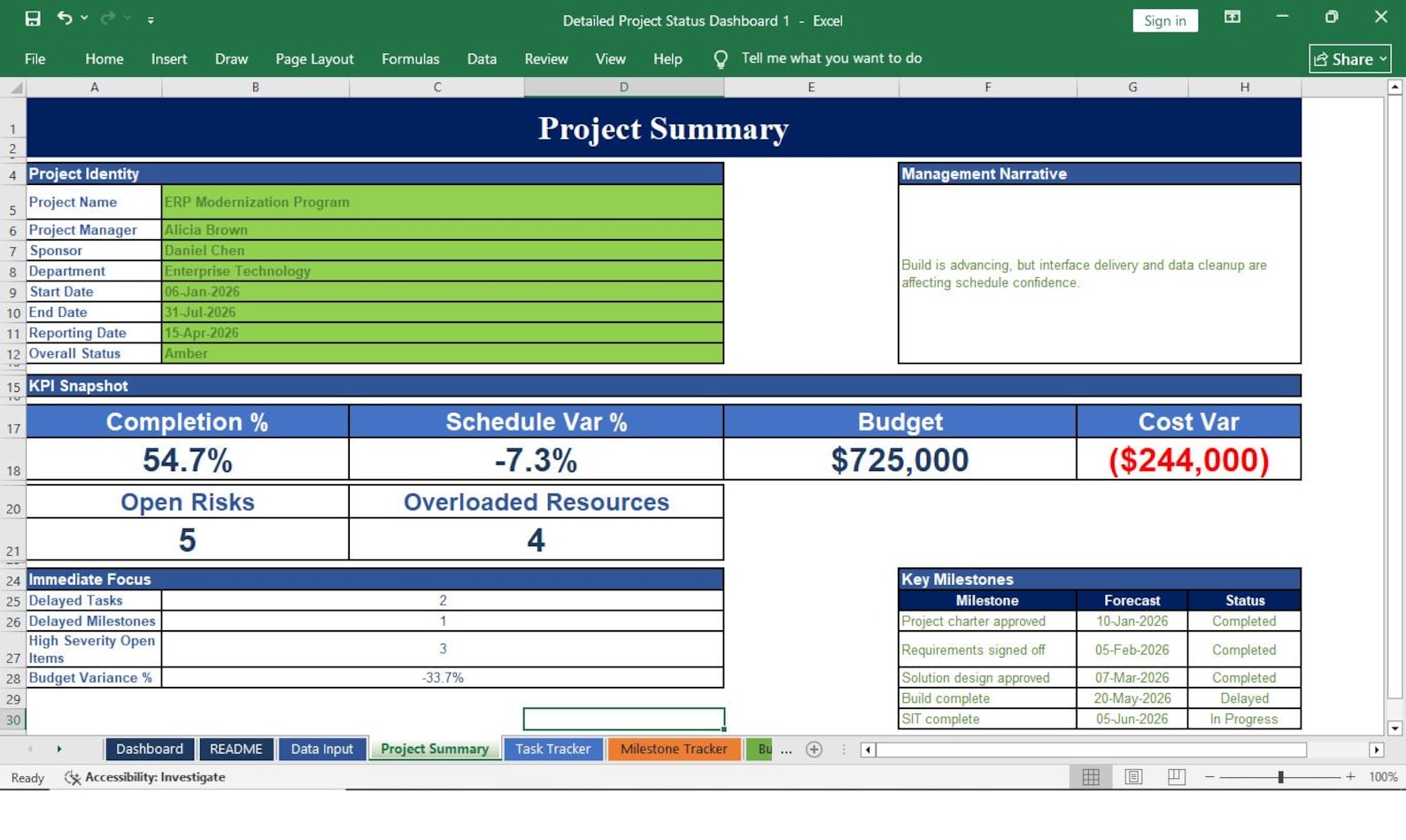
Project Summary
Summarize important project information clearly.
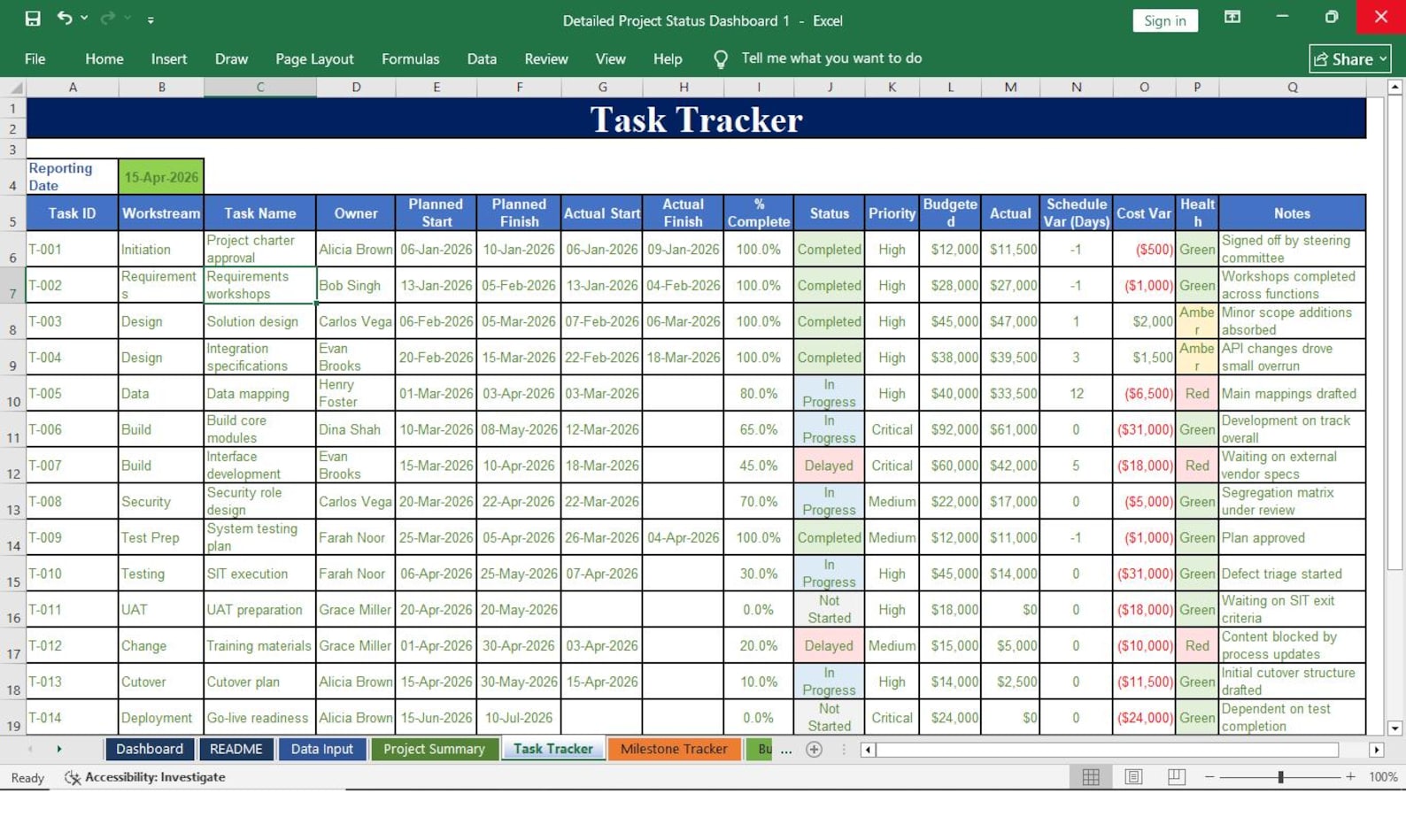
Task Tracker
Track task owners, dates, priority, and status.
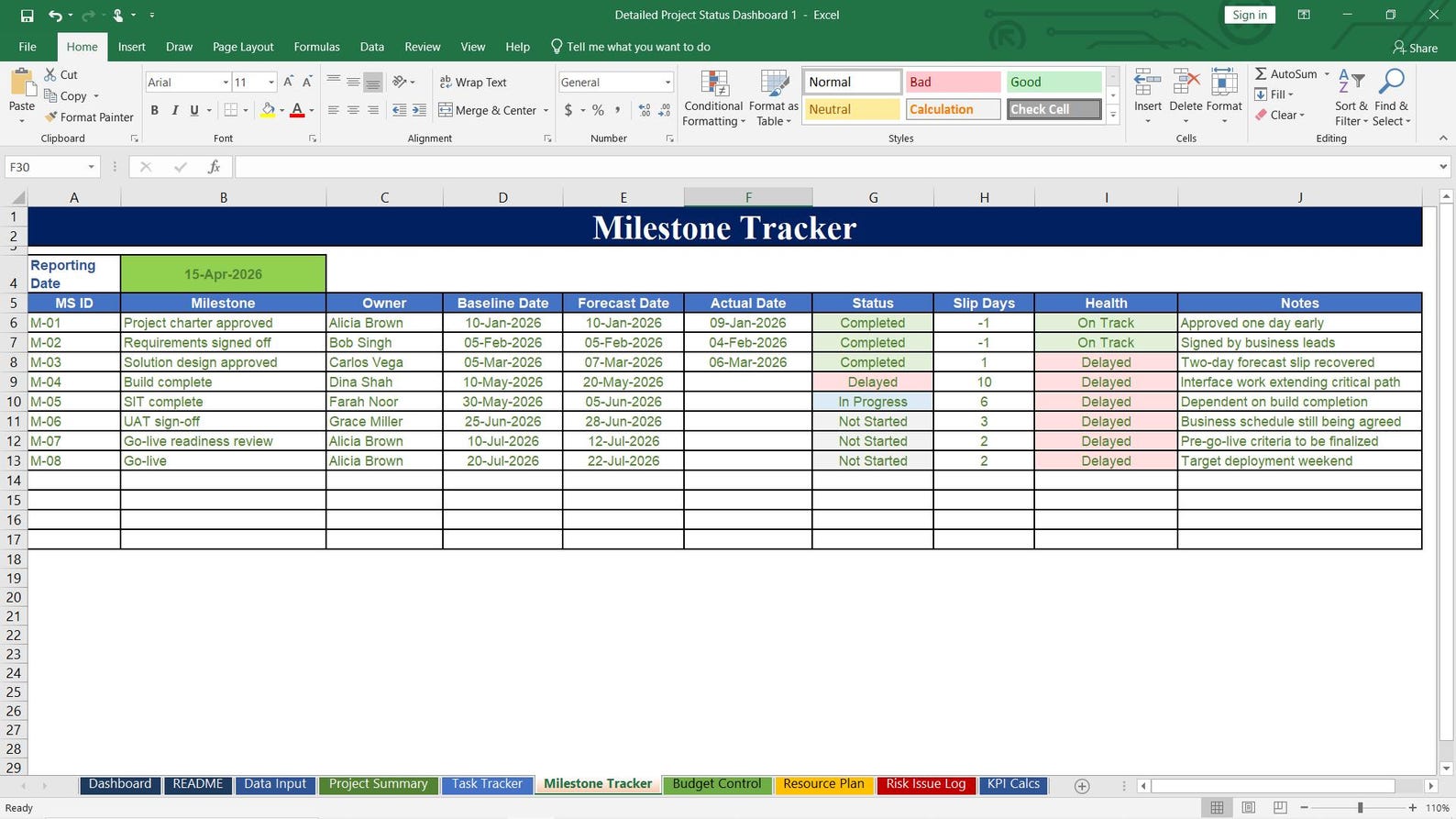
Milestone Tracker
Monitor baseline, forecast, actual dates, and slips.
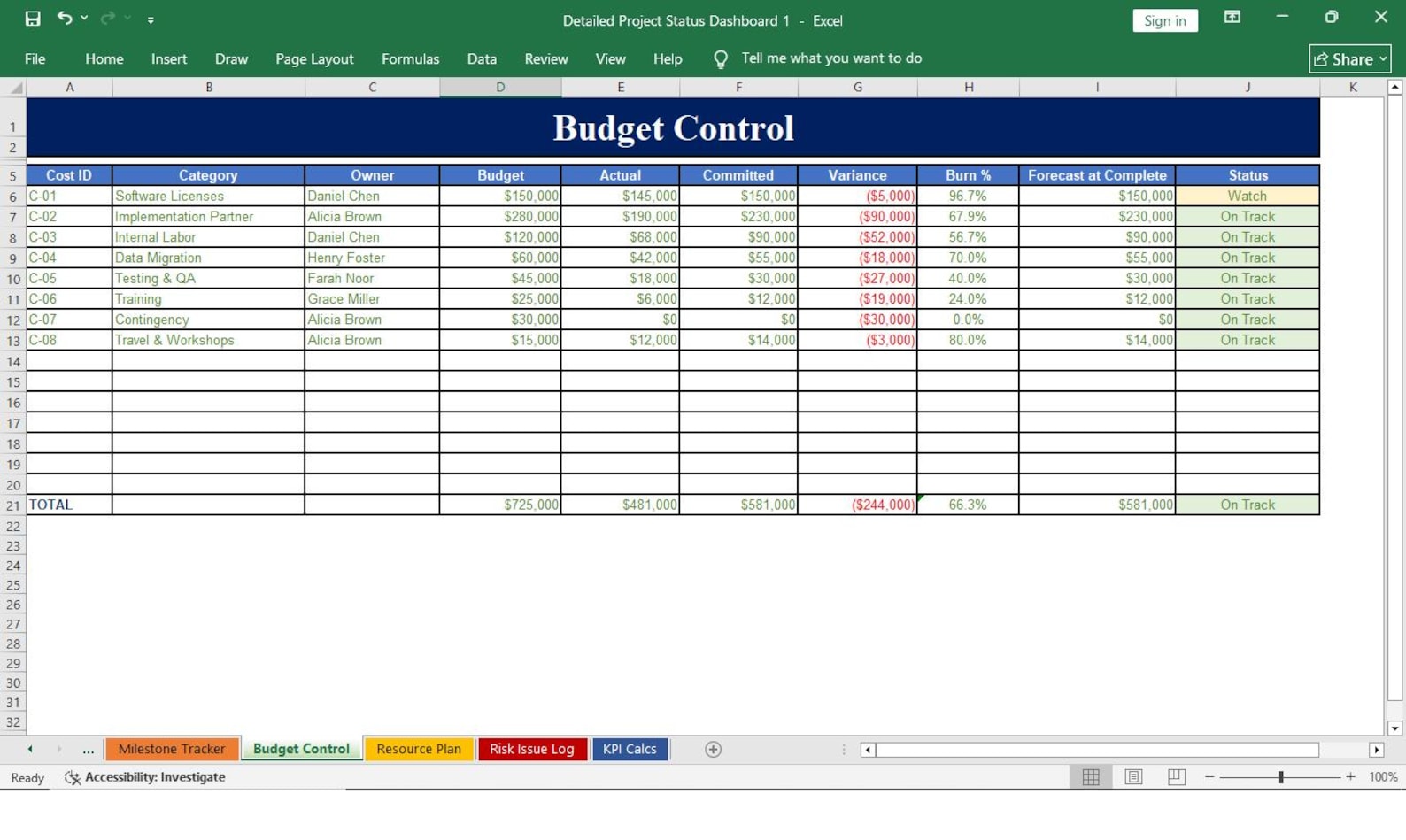
Budget Control
Compare budget, actual cost, committed cost, and variance.
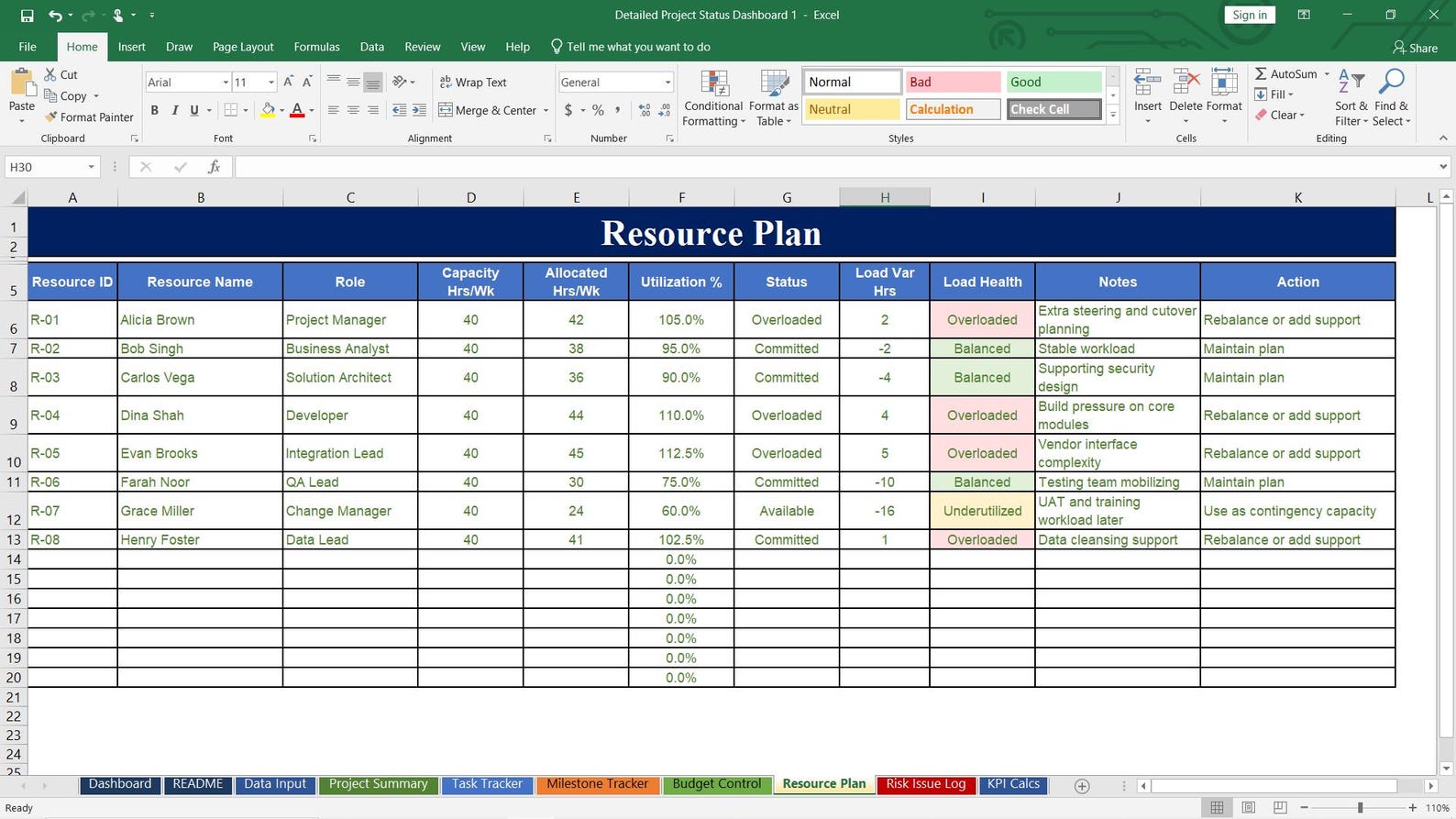
Resource Plan
Track resource capacity, utilization, and overload status.
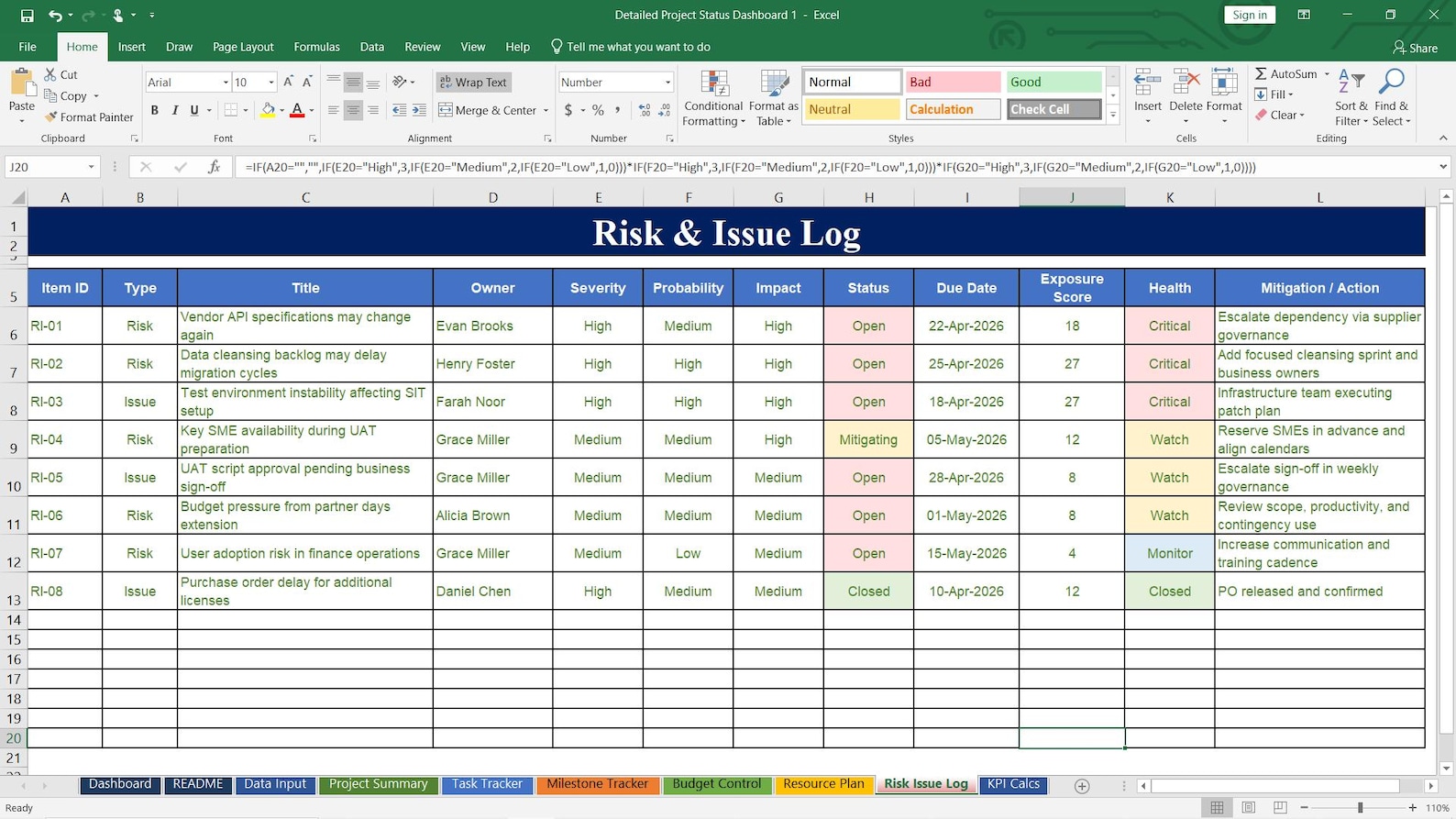
Risk & Issue Log
Manage risks, issues, severity, exposure, and mitigation.
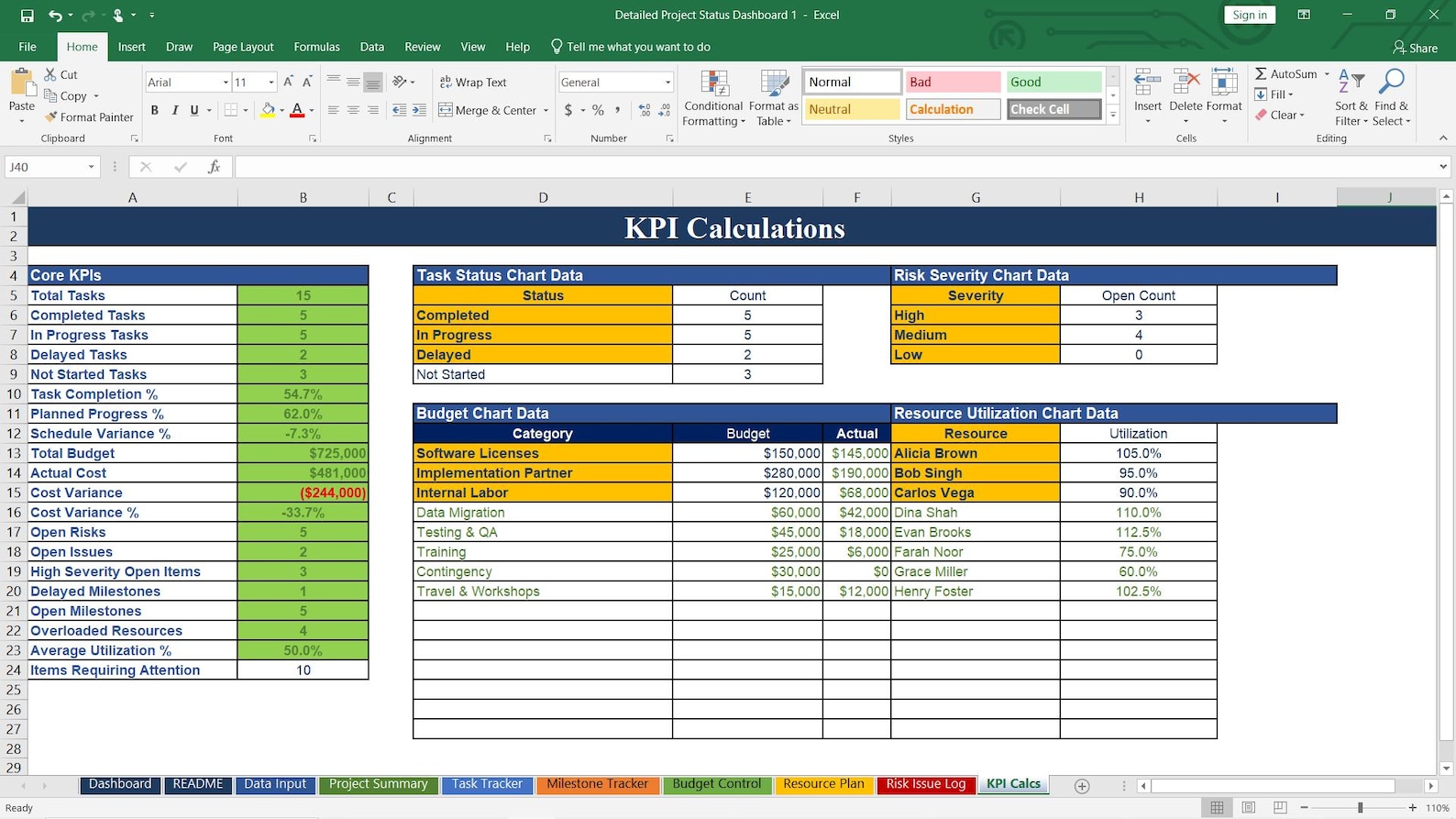
KPI Calculation Sheet
Support project performance calculations and reporting.
Inside the Excel Workbook
A complete project monitoring structure designed to help you manage and report project performance professionally.
Who Can Use This Template?
This Excel dashboard is flexible and can be used for many types of projects and industries.
Simple One-Time Price
Get the complete editable Excel Project Status Dashboard Template instantly.
Detailed Project Status Dashboard Excel Template
One-time payment. Instant digital download.
- Complete editable Excel workbook
- Dashboard, task tracker, milestone tracker, budget control, and more
- Professional project reporting layout
- Useful for project managers, PMO teams, and consultants
- No monthly subscription required
Digital product. Microsoft Excel recommended.
Download the Template and Start Reporting Smarter
Save time, organize project data, and present your project status with confidence using this ready-to-edit Excel workbook.
Buy Now / Instant DownloadPrice: $39.99 • Digital product • Editable Excel file • Microsoft Excel recommended.
Common Questions
Is this a physical product?
No. This is a digital Excel template. No physical product will be shipped.
Can I edit the file?
Yes. You can edit the workbook, update data, change headings, and customize it for your projects.
Do I need advanced Excel skills?
Basic Excel knowledge is helpful. Microsoft Excel is recommended for best results.
Can I use this for client reporting?
Yes. It is suitable for internal project reviews, client updates, and stakeholder reporting.
